



Tip: drag the circle to compare original / transparent.
Free Background Remover (No Signup) — Remove BG Online
Instantly remove backgrounds from images with high precision. Perfect for products, portraits, and logos.
Upload or drag & drop
PNG / JPG / JPEG / WEBP (up to 5MB).
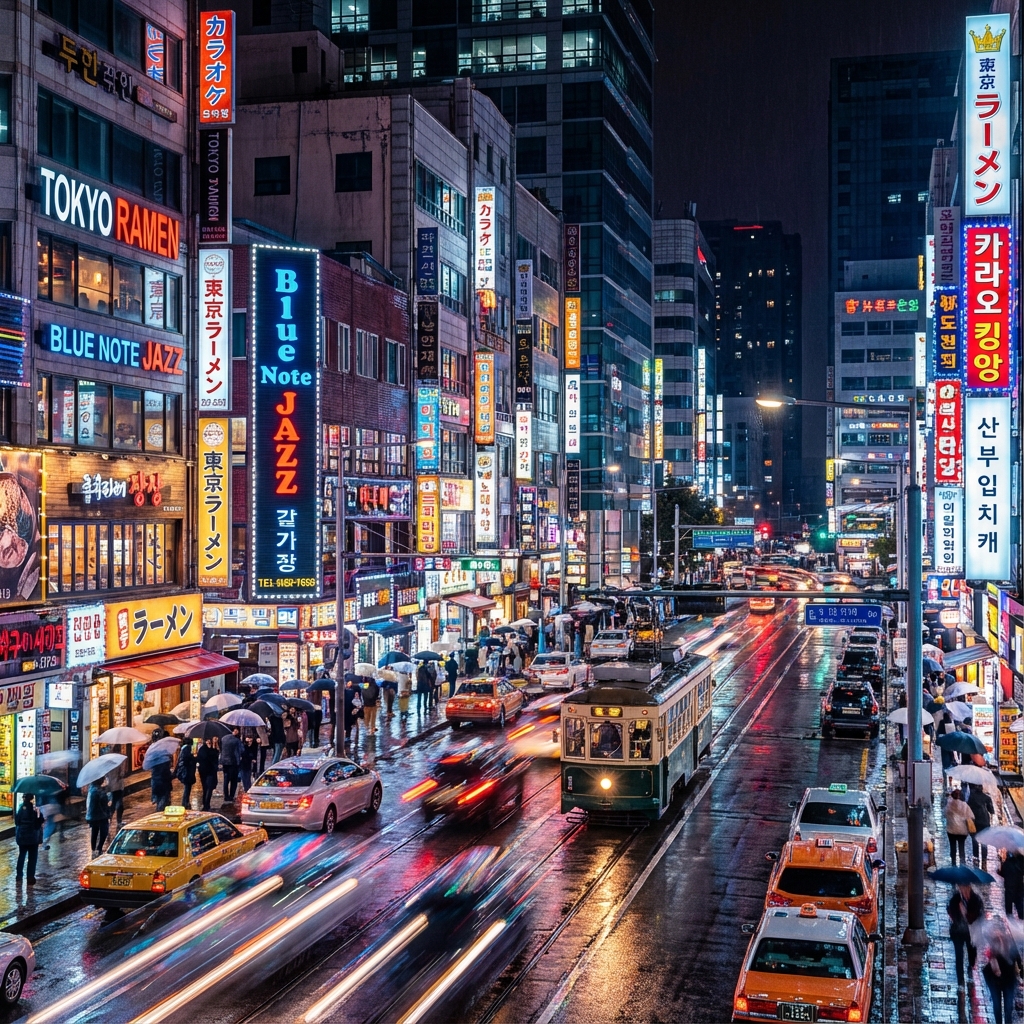
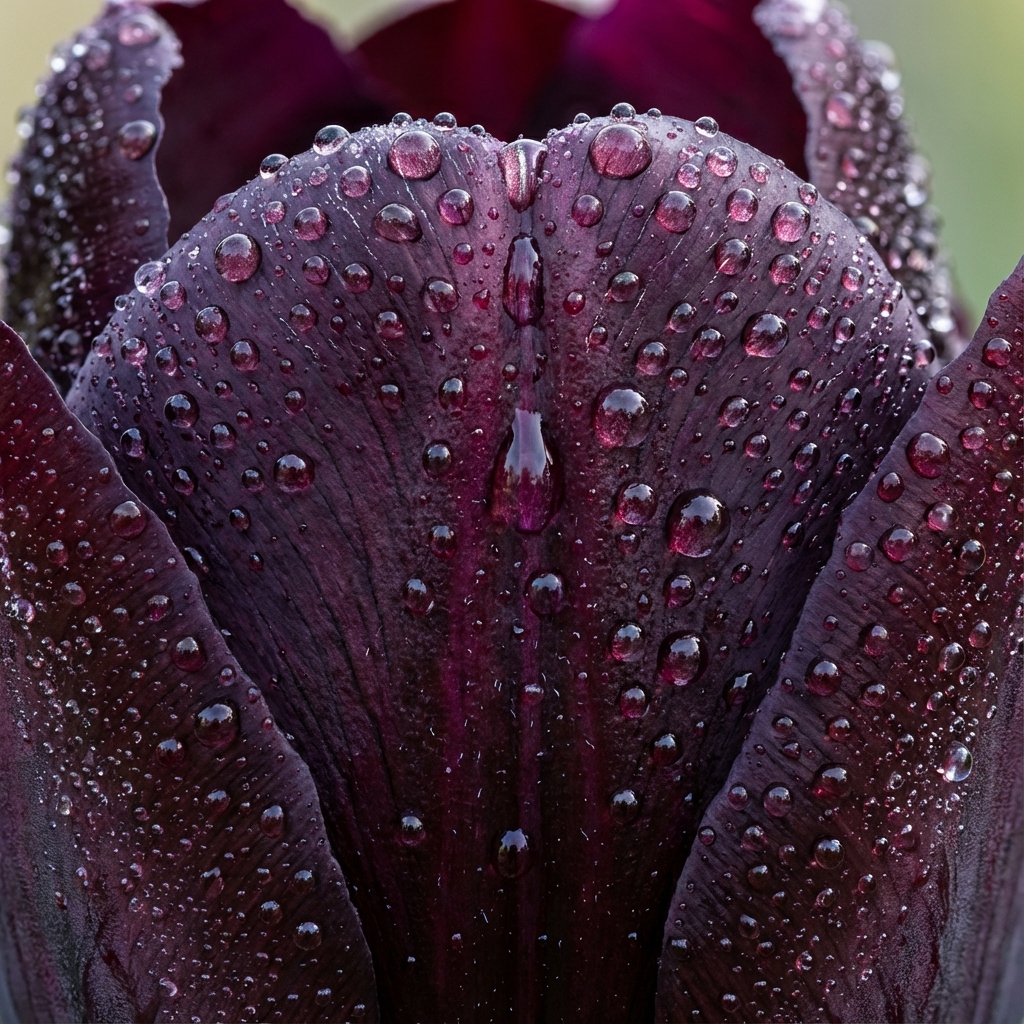
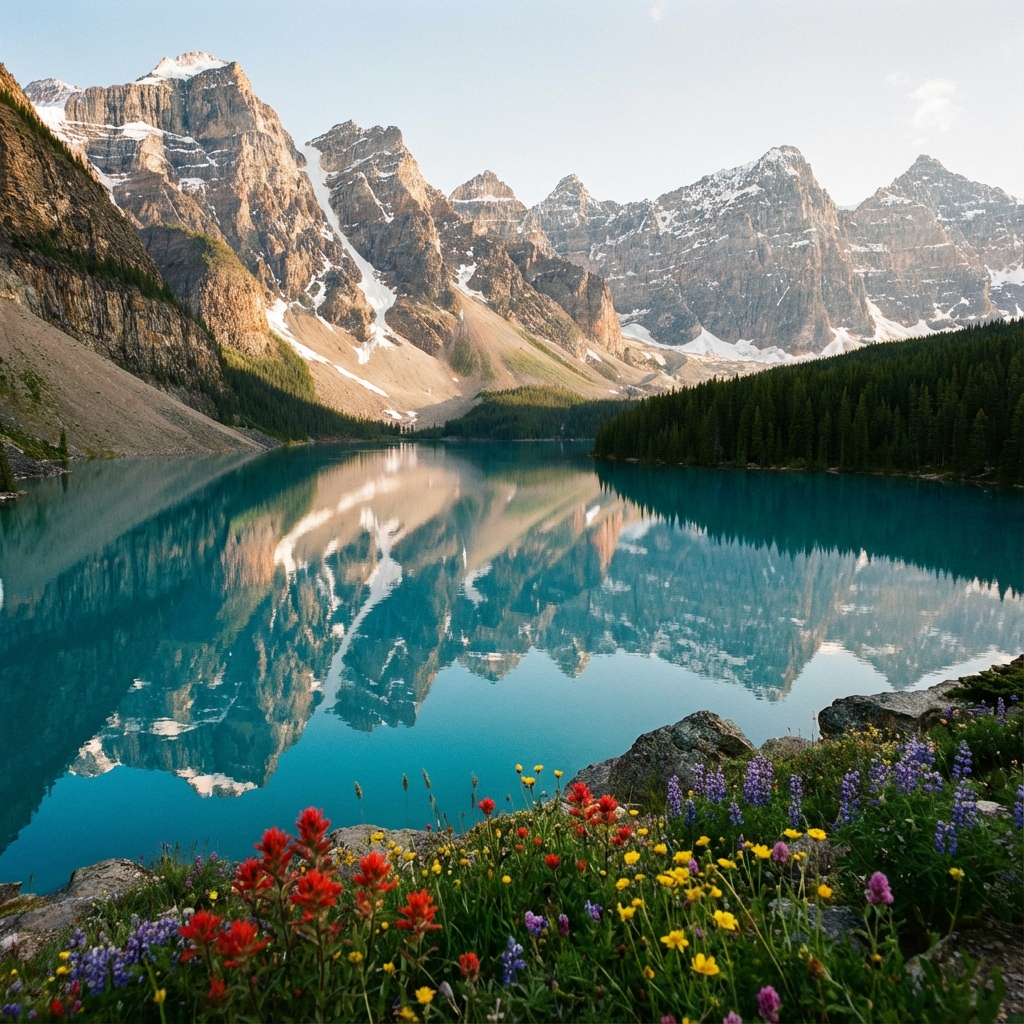
Sample Results

What you can do
Remove Background from Image (Free AI Tool)
NPGEN helps you remove backgrounds from images in seconds using AI. Upload a photo, let the tool detect the subject, and download a clean cutout for product photos, profile pictures, logos, and designs. No account required — just upload and go.
Best For
Product Cutouts
Create clean product cutouts for ecommerce listings.
Design & Branding
Make transparent-background images for marketing.
Portraits
Remove messy backgrounds from portraits and selfies.
Social Media
Prepare images for thumbnails, ads, and posts.
How it works
NPGEN analyzes your image to detect the foreground subject and separate it from the background. It refines edges (like hair, product borders, and small details) to produce a clean cutout you can place on any background.
Free & Privacy-First
NPGEN is free to use and doesn’t require signup. Your result is shown in your browser so you can download it quickly. For details about processing and retention, please review our Privacy Policy.
Best Result Tips
- Use clear, well-lit images when possible.
- For products: use good contrast with background.
- If edges look rough, try a higher-quality original.
- Prefer PNG for keeping transparency.
Try other tools
Enhance your workflow further.