

AI Image Enhancer — Upscaling Photos Free
Upload a low-quality photo and let AI fix faces, reduce blur and upscale 2× or 4×.
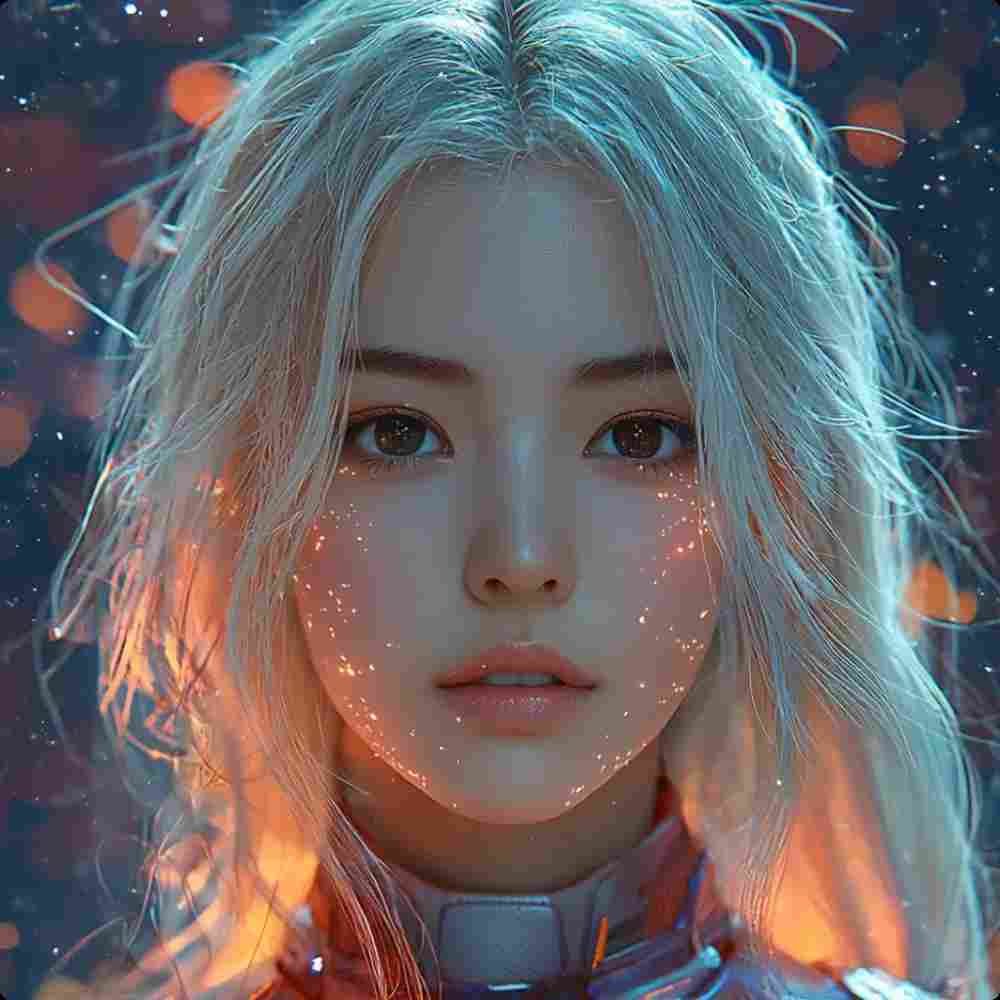
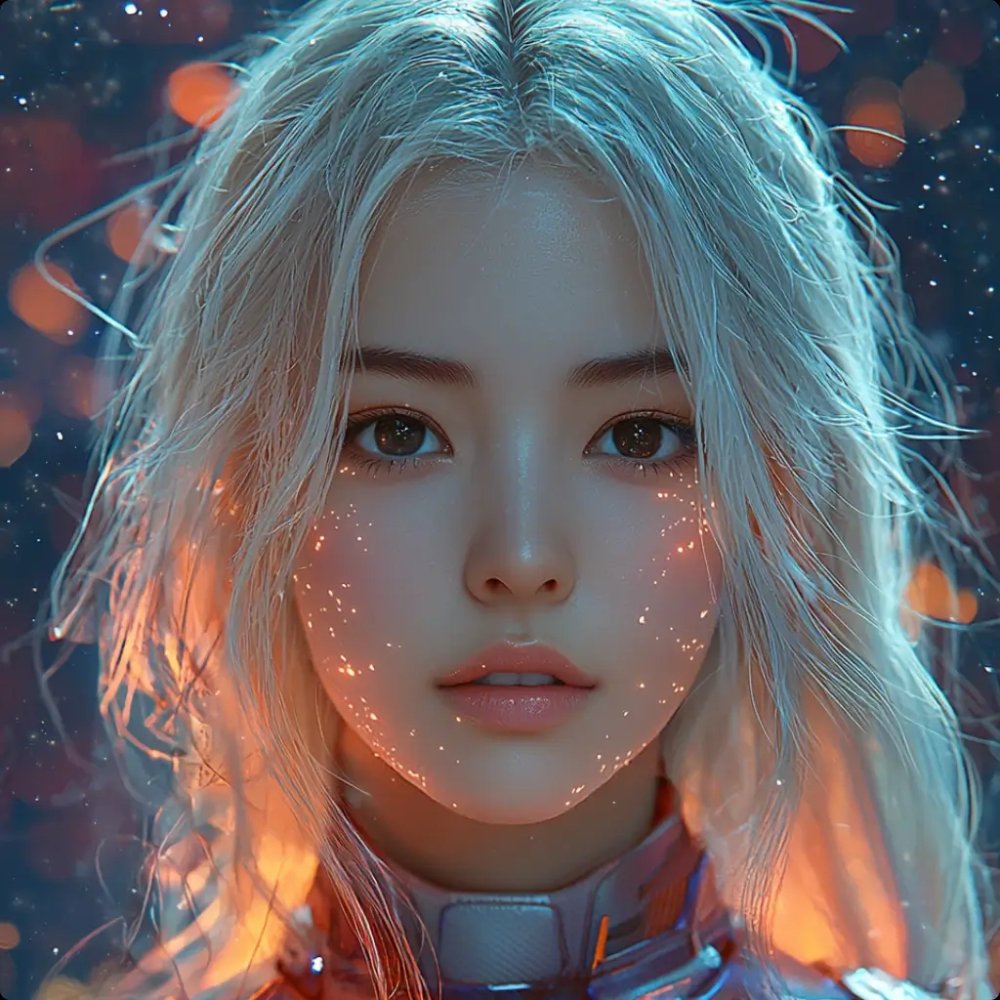
Tip: drag the circle to compare before / after.
Upload or Drag & Drop
JPG, PNG or WEBP up to 5MB
No image? Try one of these:
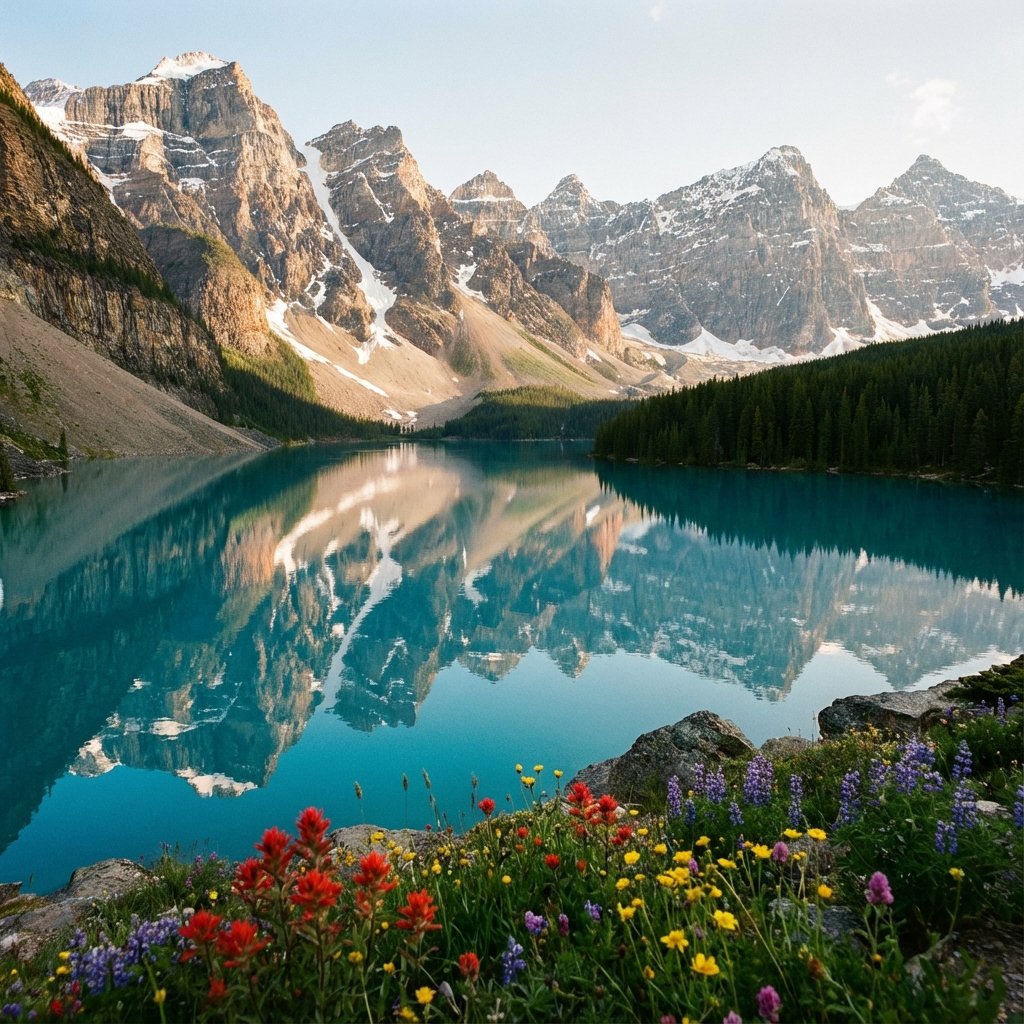
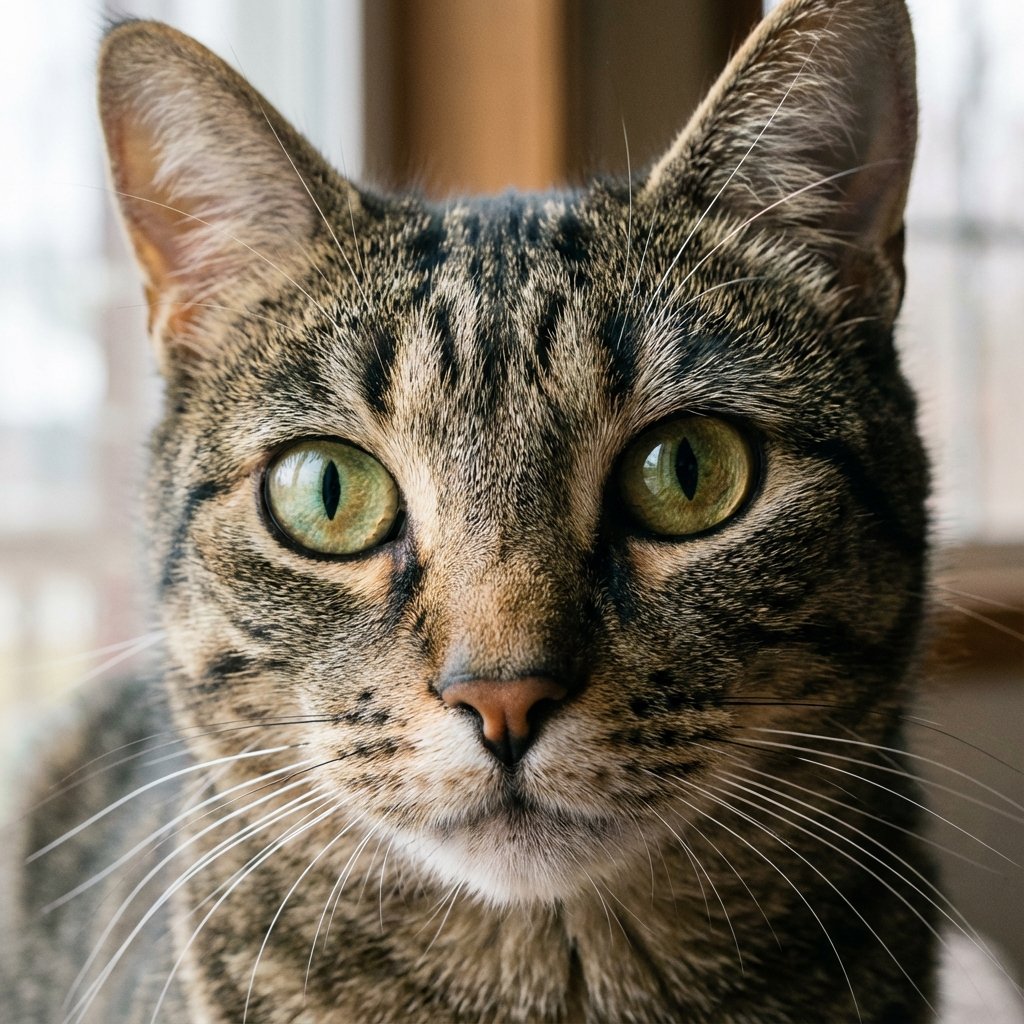
Recent Enhancements (Stored locally)
Sample Enhancements
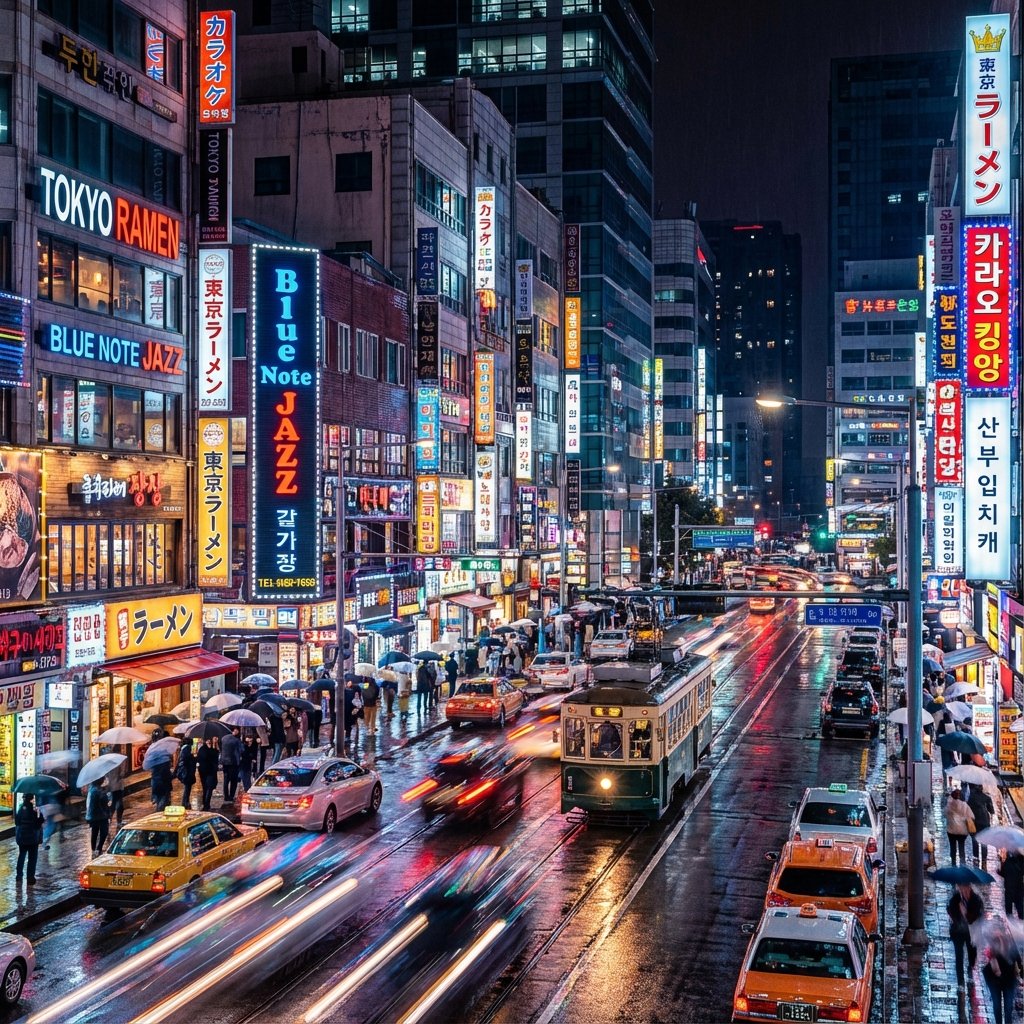
Professional Grade Upscaling
Transform grain into clarity with neural networks.
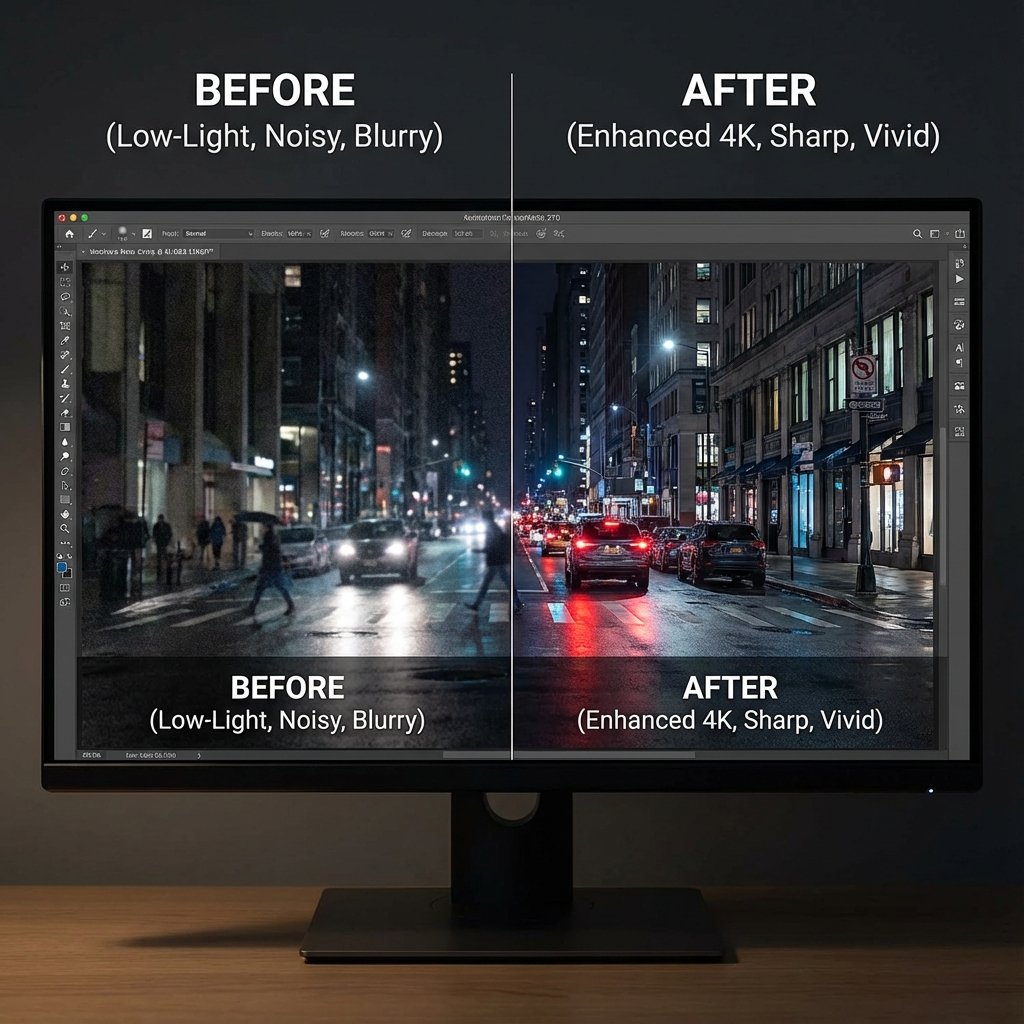
Clear the Noise, Keep the Detail
Low-light photography often suffers from ISO grain and sensor noise. Our AI intelligently distinguishes between unwanted noise and actual texture.
- Removes color noise instantly
- Preserves skin texture (no "wax" effect)
- Perfect for night mode shots
See the Unseen
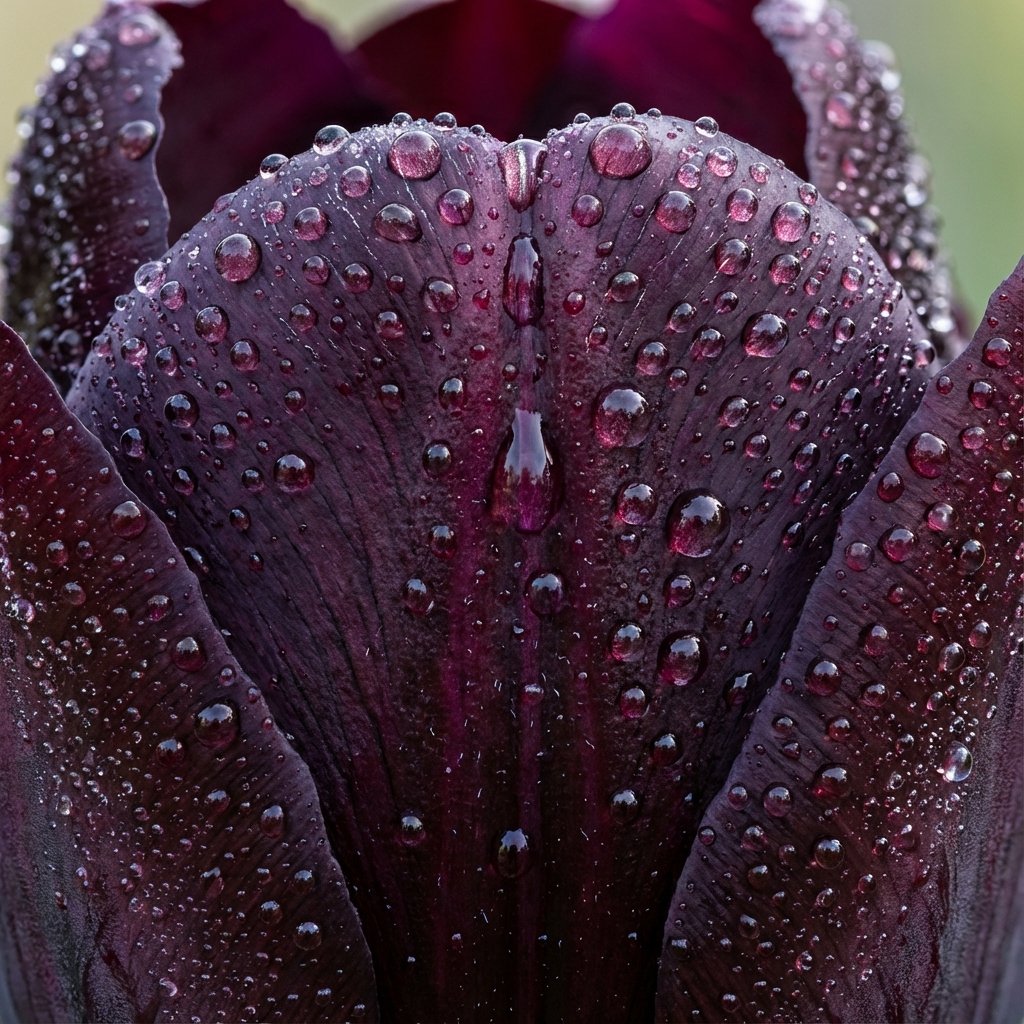
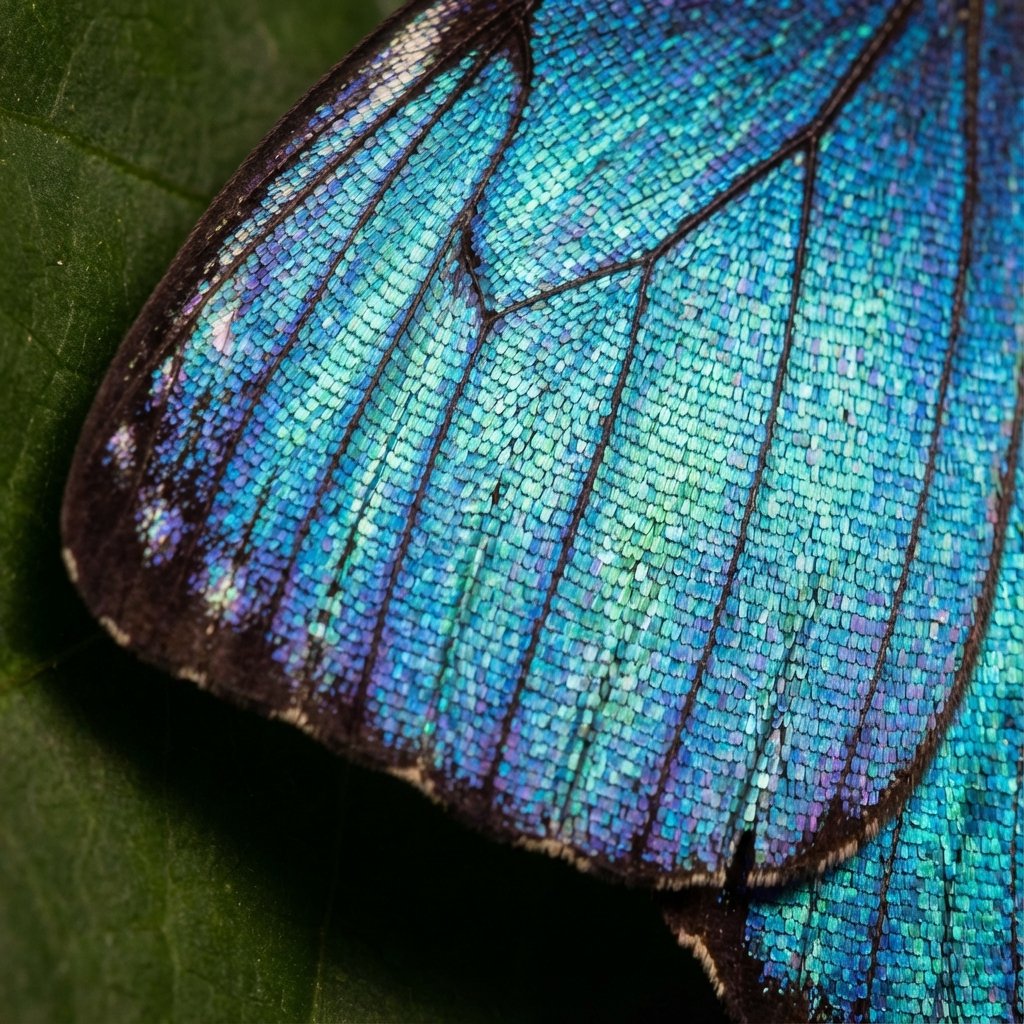
Upscale nature and macro photography up to 4x without losing sharpness. The engine hallucinates hyper-realistic details based on millions of training images.
From butterfly wings to fabric threads, every pixel is reconstructed for print-ready 300 DPI quality.
Boost Your Sales
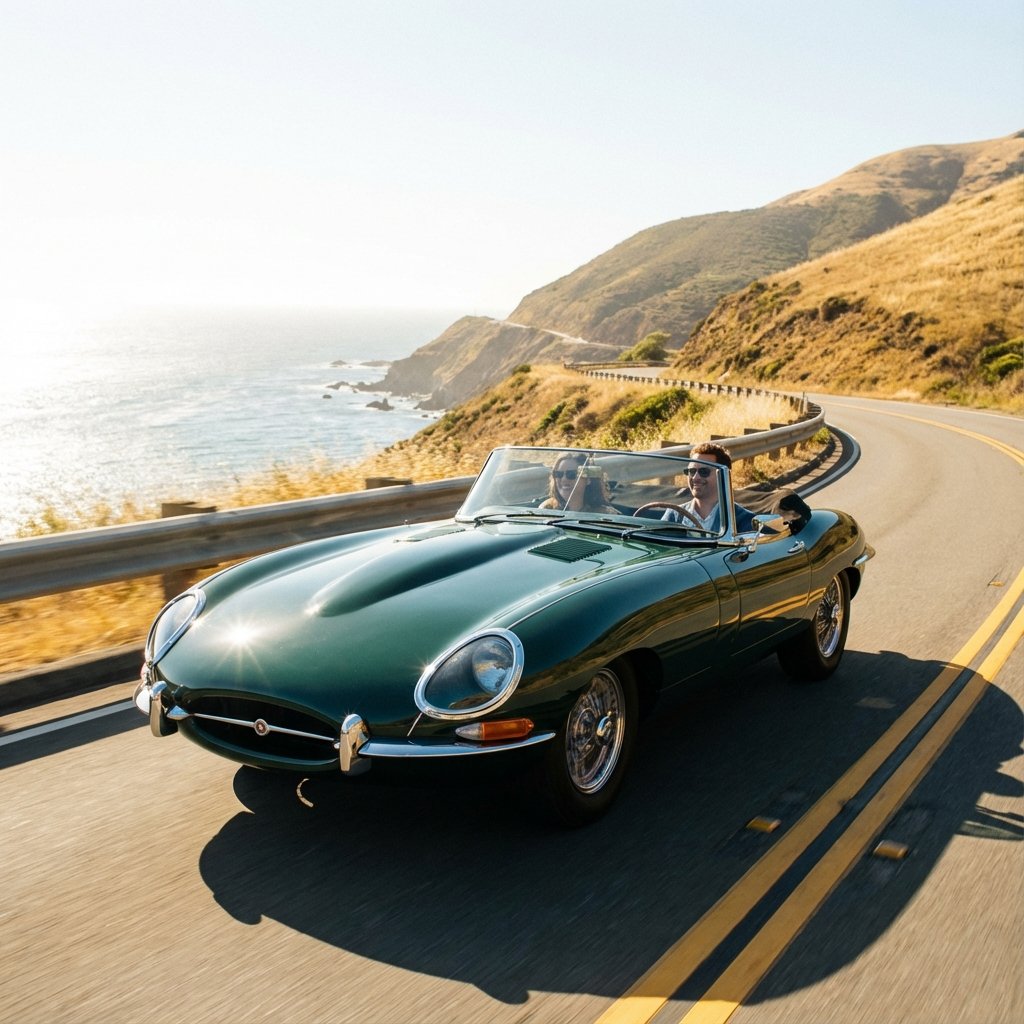
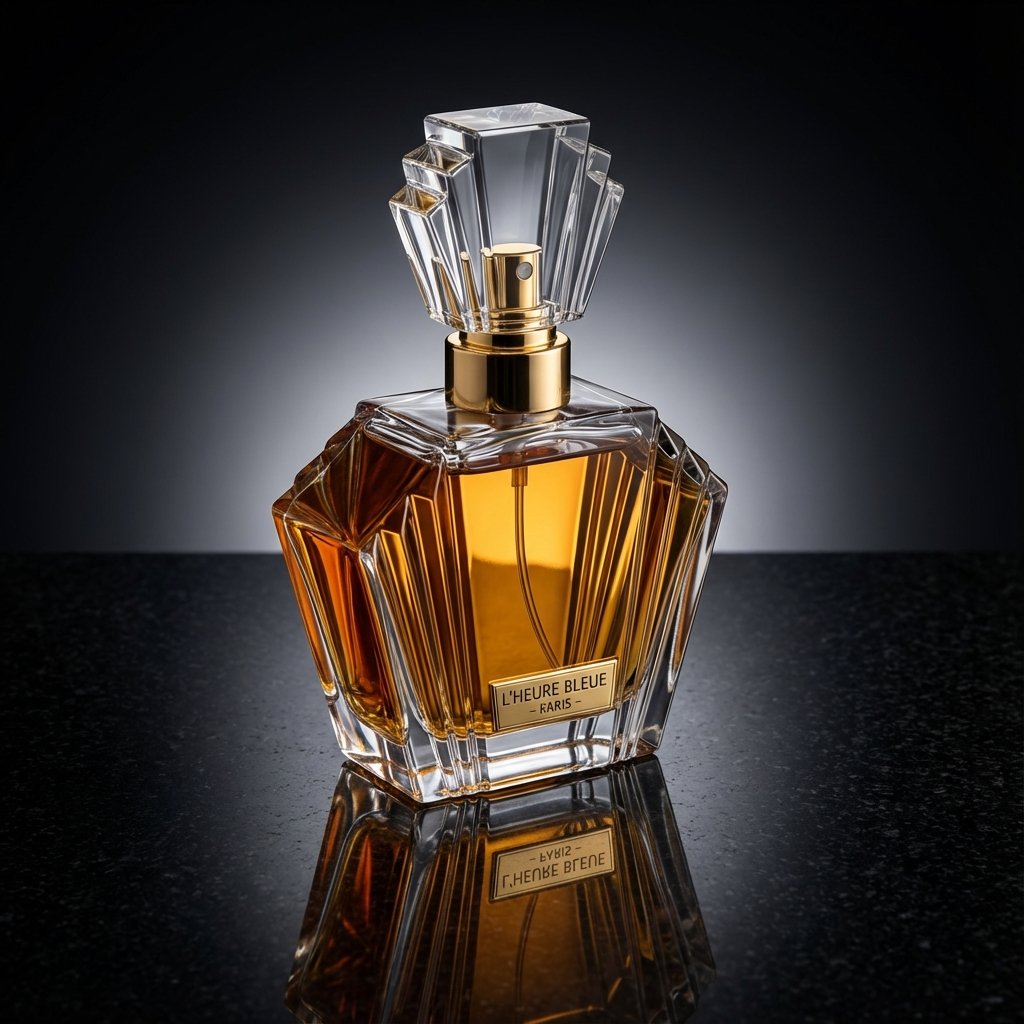
Blurry product photos kill conversion rates. Turn standard shots into crystal-clear 8K assets suitable for giant billboards or hero headers.
- Sharpen glass and metal reflections
- enhancing text readability
- Instant studio-quality look
Best For
Fix low-resolution screenshots and out-of-focus shots.
Get sharper edges and clearer text for listings.
Recover facial details and reduce noise.
Improve readability and clarity of vintage photos.
How AI Enhancement Works
VZEX AI analyzes patterns like edges, textures, and compression artifacts, then reconstructs a higher-resolution image during upscaling. Choose 2× for faster results or 4× when you need maximum detail.
Upload Image
Drag & drop your low-quality photo (JPG, PNG, or WEBP). Our system immediately analyzes pixel density.
AI Processing
The neural network identifies subjects and textures, intelligently filling in missing data to degrade noise and blur.
Download HD
Preview the before/after result. Download your newly upscaled image instantly without watermarks.
Try other tools
Complete your editing suite naturally.
 Continue with Google