AI Photo Editing Online Free Prompt Based Editing

Transform your photos with words. Just upload and describe the change.
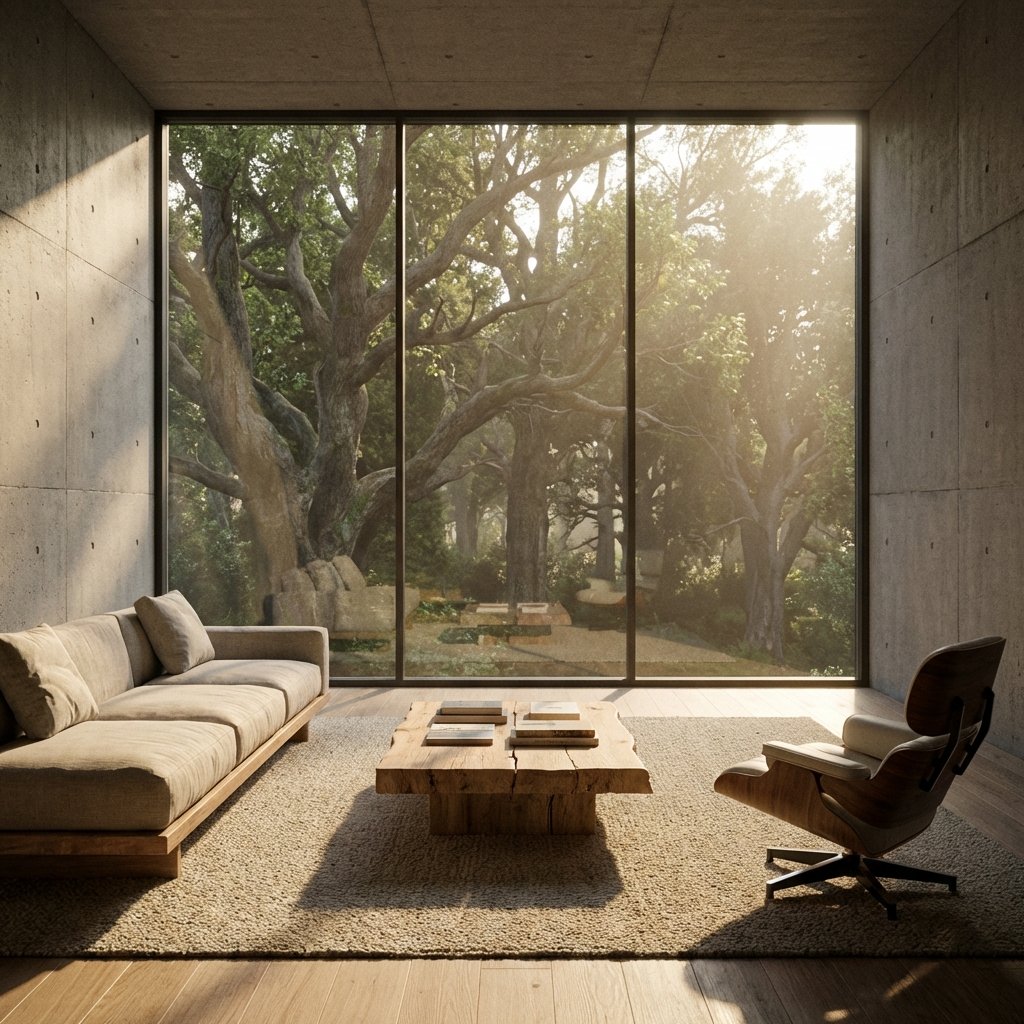
AI IMAGE EDITOR

Your result will appear here.

Upload or Drag & Drop

JPG, PNG or WEBP up to 5MB

No image? Try one of these:

Sample 1
Sample 2
Sample 3
Be specific for better results.
By uploading an image you agree to our Privacy Policy and Terms of Use.

Recent Edits (Stored locally)

Generative AI Editing

Describe your vision, and watch it come to life.

Magic Prompts

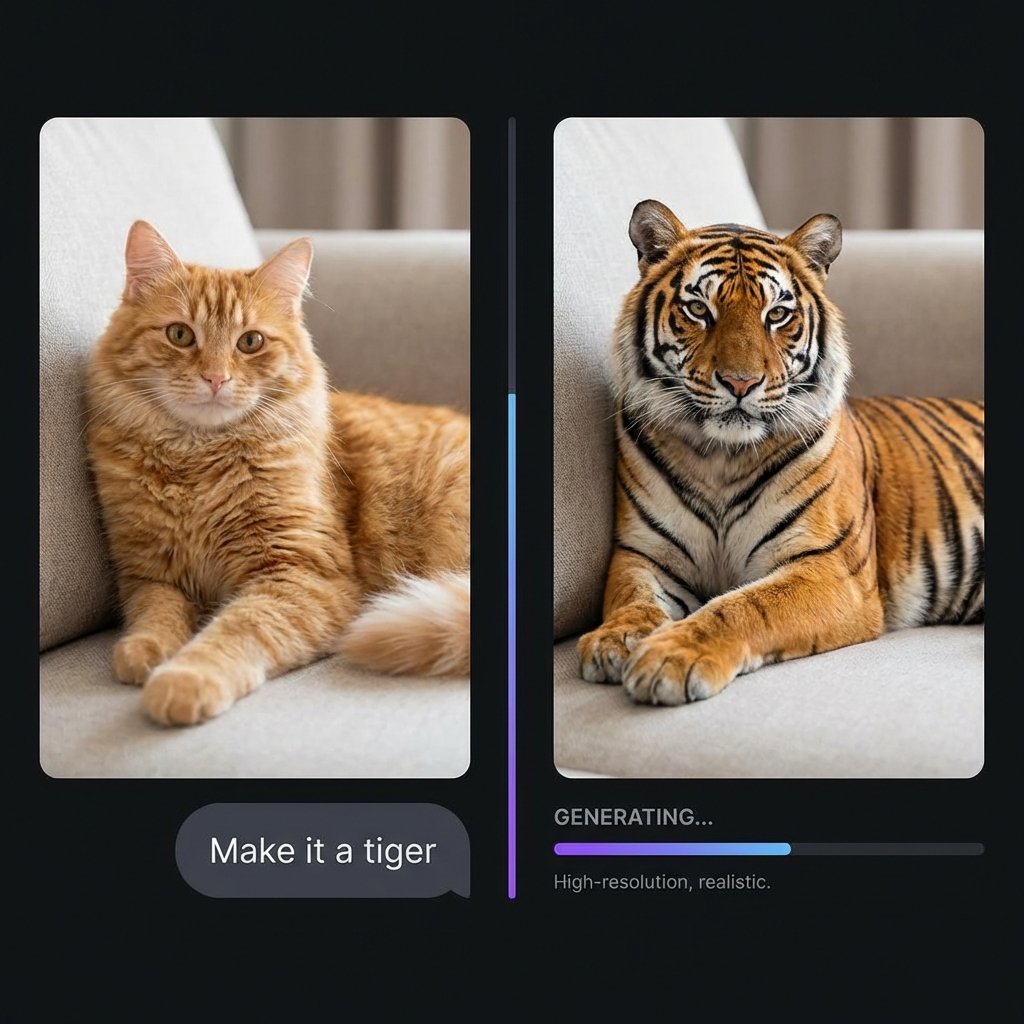
Edit with Words

No complex software needed. Simply type what you want to change, and our AI understands the context, lighting, and style of your original image.

  • Change weather or time of day
  • Swap backgrounds instantly
  • Add or remove objects seamlessly
Magic Edit Example
Real-time Speed

Lightning Fast Results

Powered by advanced diffusion models utilizing PrunaAI acceleration, your edits are processed in seconds.

Iterate quickly. Don't like the result? Just tweak your prompt and run it again instantly.
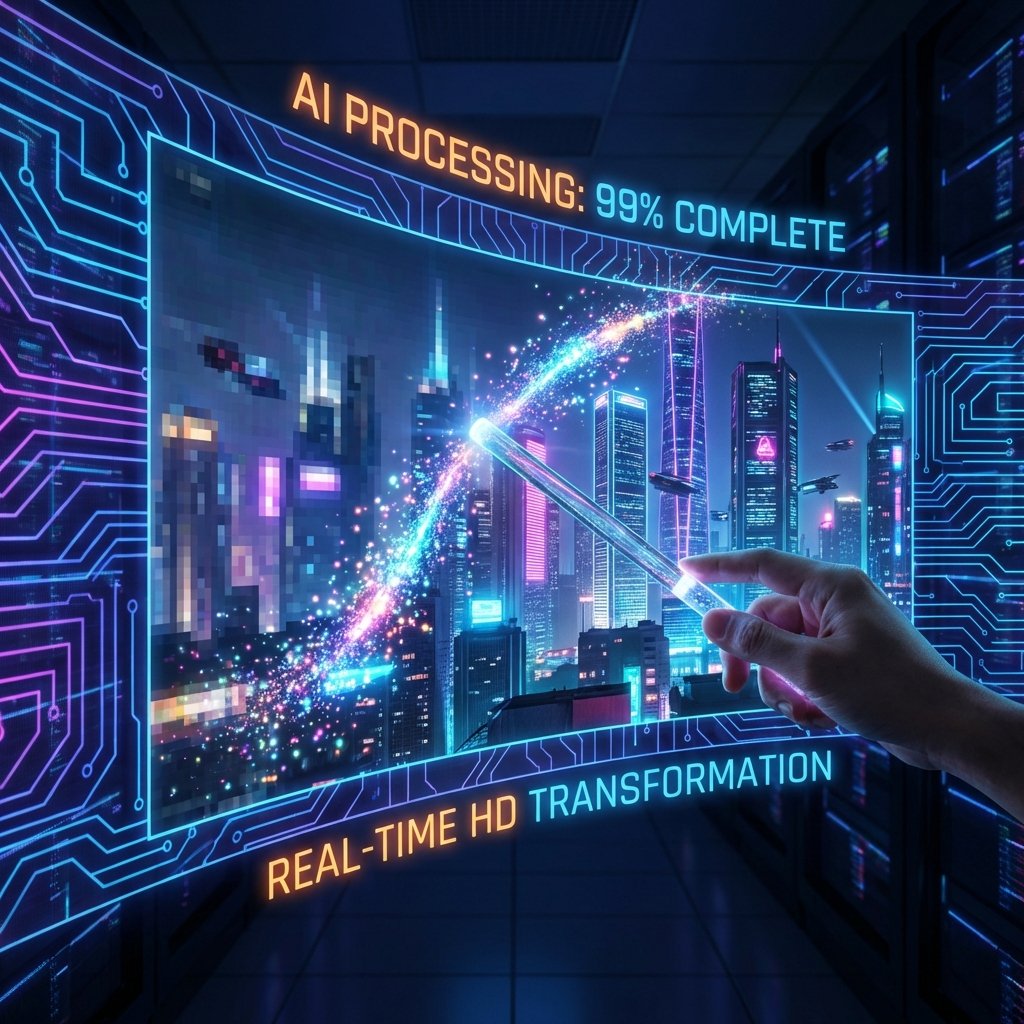
Fast Processing
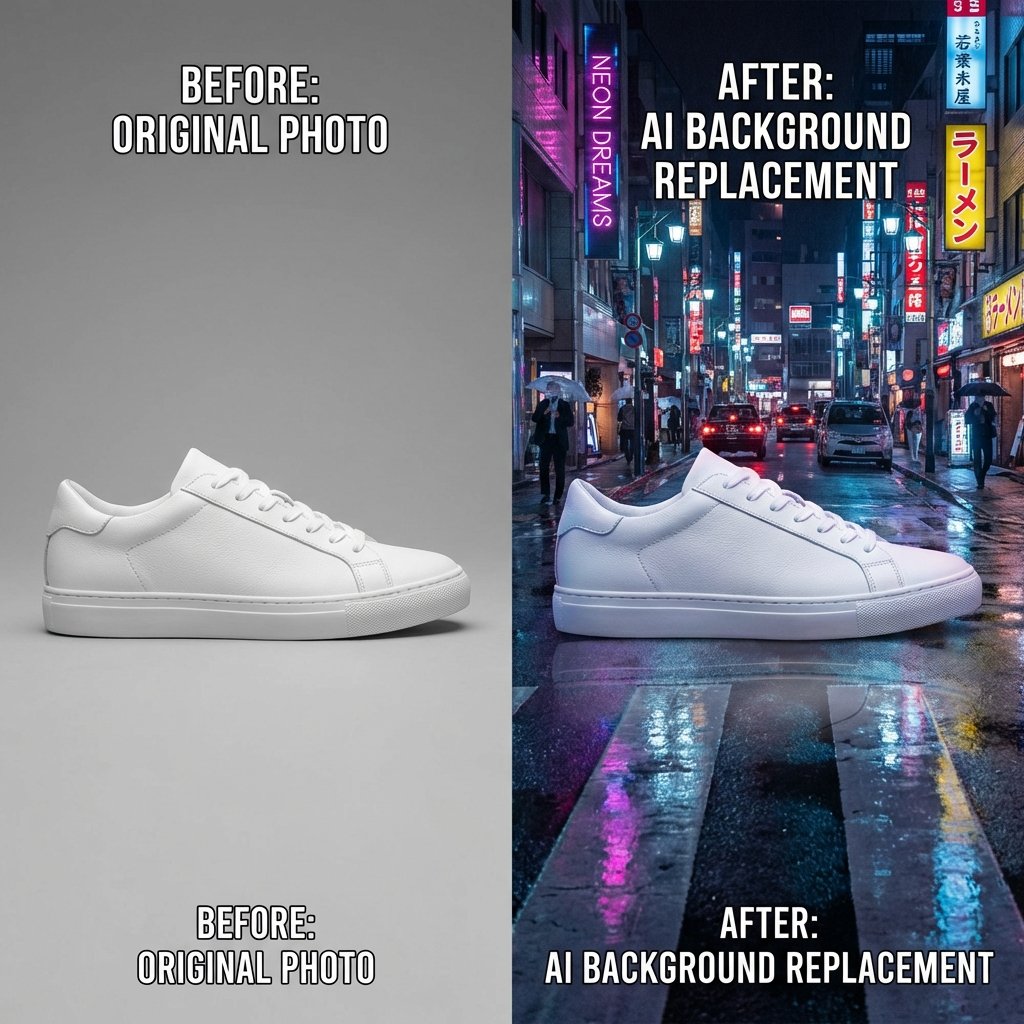
Contextual Editing

Redefine Your Scene

Perfect for e-commerce and product photography. Take a simple studio shot and place it in any environment you can imagine.

  • Create lifestyle images from plain backgrounds
  • Adjust lighting to match new scenes
  • Generate variations for A/B testing
Contextual Editing Example

Best For

Creative Edits

Turn day into night, summer into winter.

Fashion & E-comm

Change clothing colors or materials instantly.

Real Estate

Staging homes or changing sky backgrounds.

Digital Art

Experiment with styles and concepts rapidly.

How Magic Editor Works

The AI understands what’s in your photo and applies targeted edits to improve parts of the image, clean up areas, and refine the overall look while keeping the original style.

1

Upload Image

Drag and drop your photo. We support JPG, PNG, and WEBP formats.

2

Describe Change

Type a prompt explaining what you want to edit. Be specific for the best results.

3

Get Result

Our AI regenerates the image based on your instructions. Download and enjoy!

Try other tools

Complete your editing suite.

Common Questions

What is AI Magic Editor?
AI Magic Editor is an online tool that lets you edit photos using text prompts. Upload an image, describe the change, and download the result.
How do I use NPGEN AI Magic Editor?
Upload your photo, type a prompt (what to change), click Generate, then download your edited image.
What can I edit with Magic Editor?
You can remove unwanted objects, change backgrounds, improve small details, and make creative edits based on your prompt.
What prompts work best for better results?
Use clear instructions like: “Remove the background and make it white” or “Remove the person behind the subject.” Mention what to keep.
Which image formats are supported?
NPGEN Magic Editor supports common formats like JPG and PNG (and usually WEBP if enabled on your site).
Is NPGEN AI Magic Editor free to use?
You can try the tool for free depending on your site’s limits. Some edits may use credits if you enable credit-based processing.
How long does editing take?
Most edits finish in seconds, but larger images and heavy server load can take longer.
Will my edited image keep good quality?
Magic Editor generates a new edited image for download. Best results come from clear photos and specific prompts.

Welcome Back

Login to access your AI tools

Continue with Google
Or
Don't have an account yet? Sign up

Create Account

Join to use free AI tools

Email
Default
  • Password must have 8 characters
  • Number or special character

By signing up, you agree to our Terms and Privacy Policy.

Or
Continue with Google
Already have an account? Login

Verify Email

Enter the 6-digit code sent to
your email

Reset Password

Enter your email to receive instructions