Free Background Remover — Remove BG Online
Instantly remove backgrounds from images with high precision. Perfect for products, portraits, and logos.

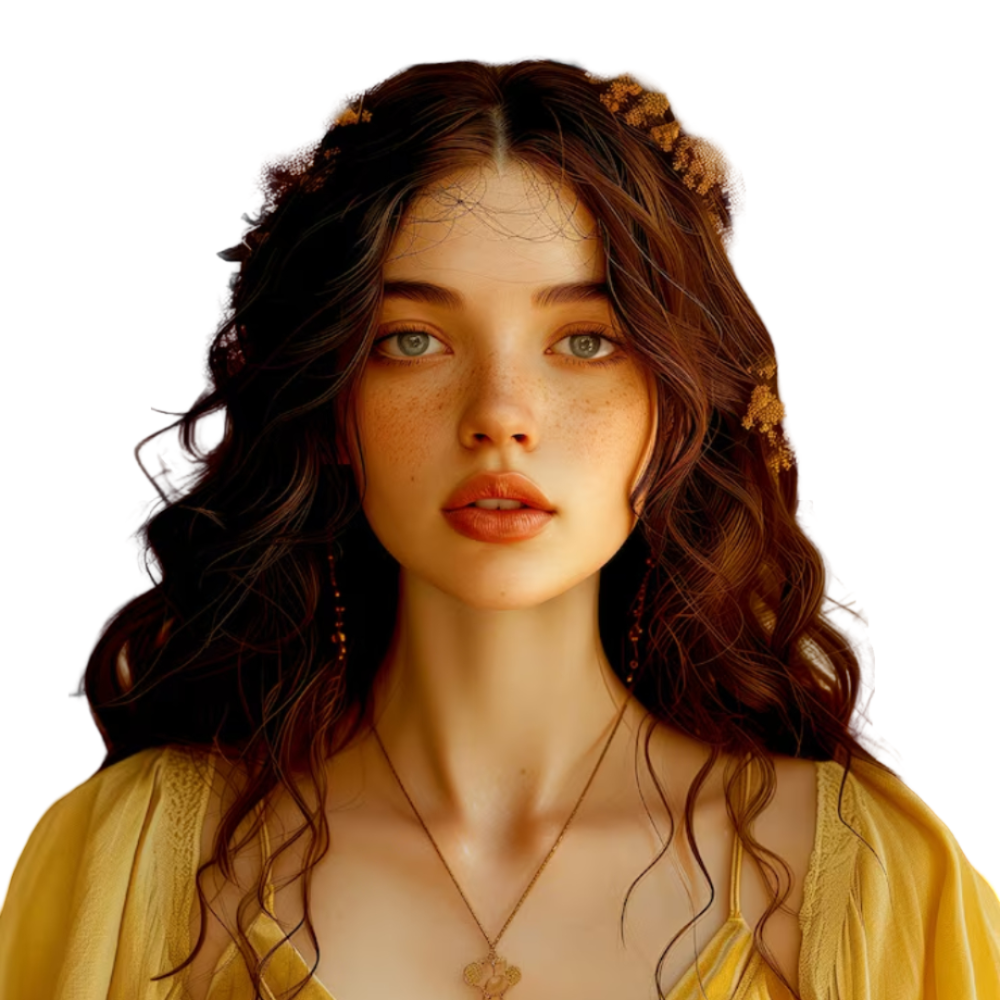
Tip: drag the circle to compare original / transparent.
Upload or Drag & Drop
JPG, PNG or WEBP up to 5MB
No image? Try one of these:
Recent (Stored locally)
Sample Results
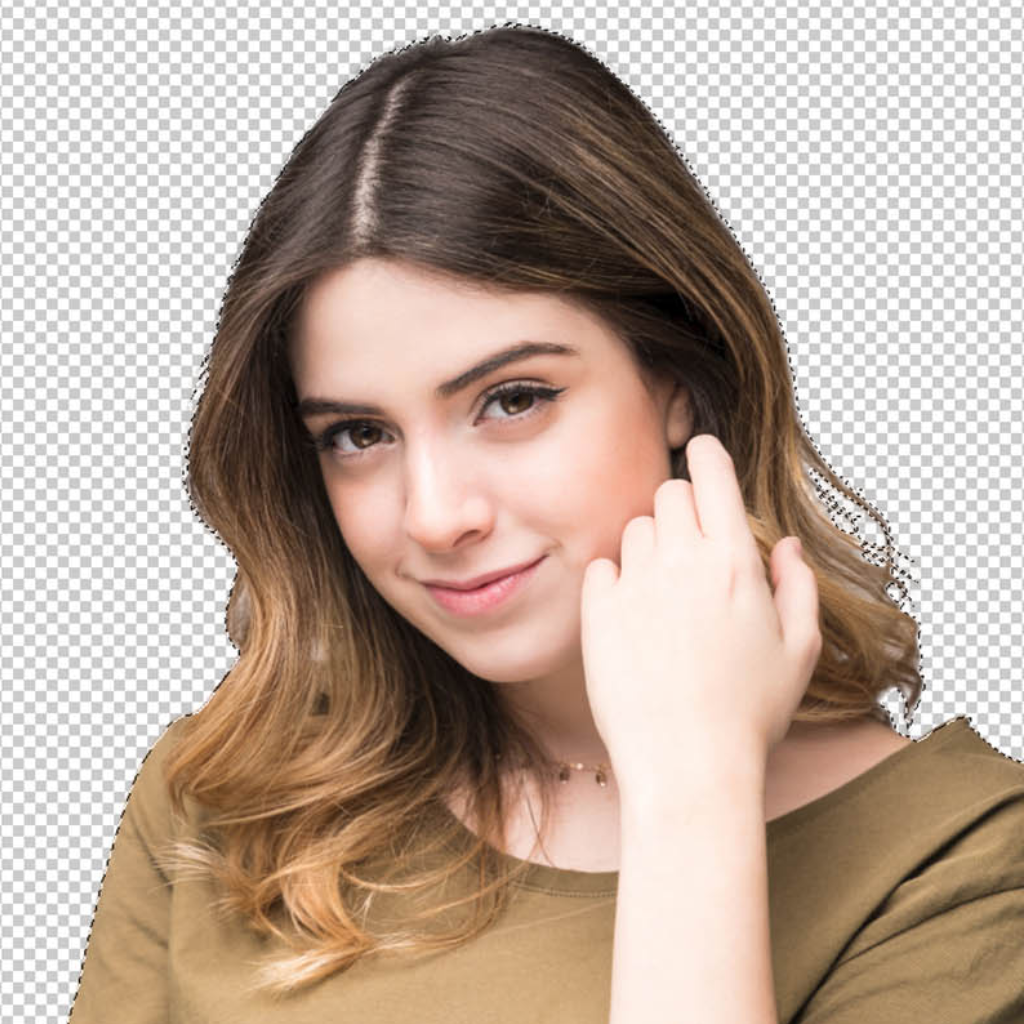
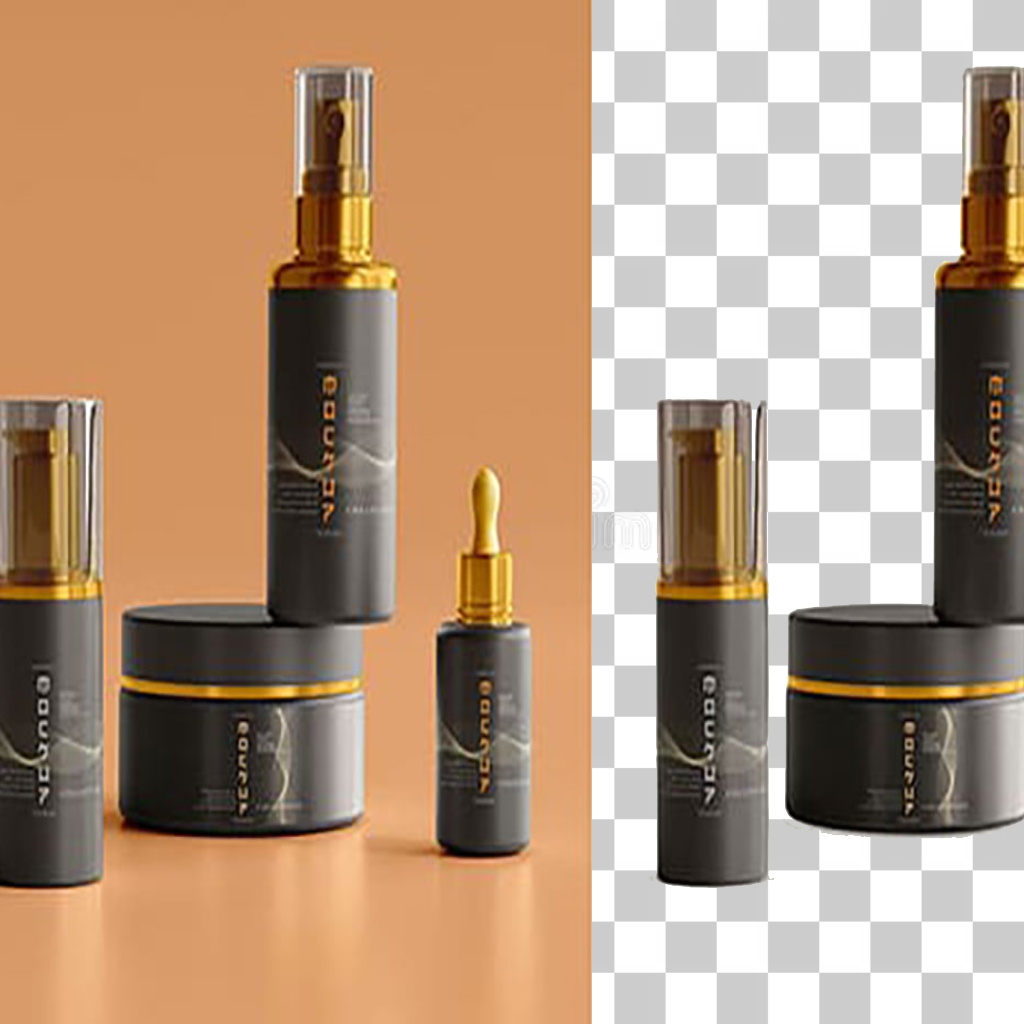
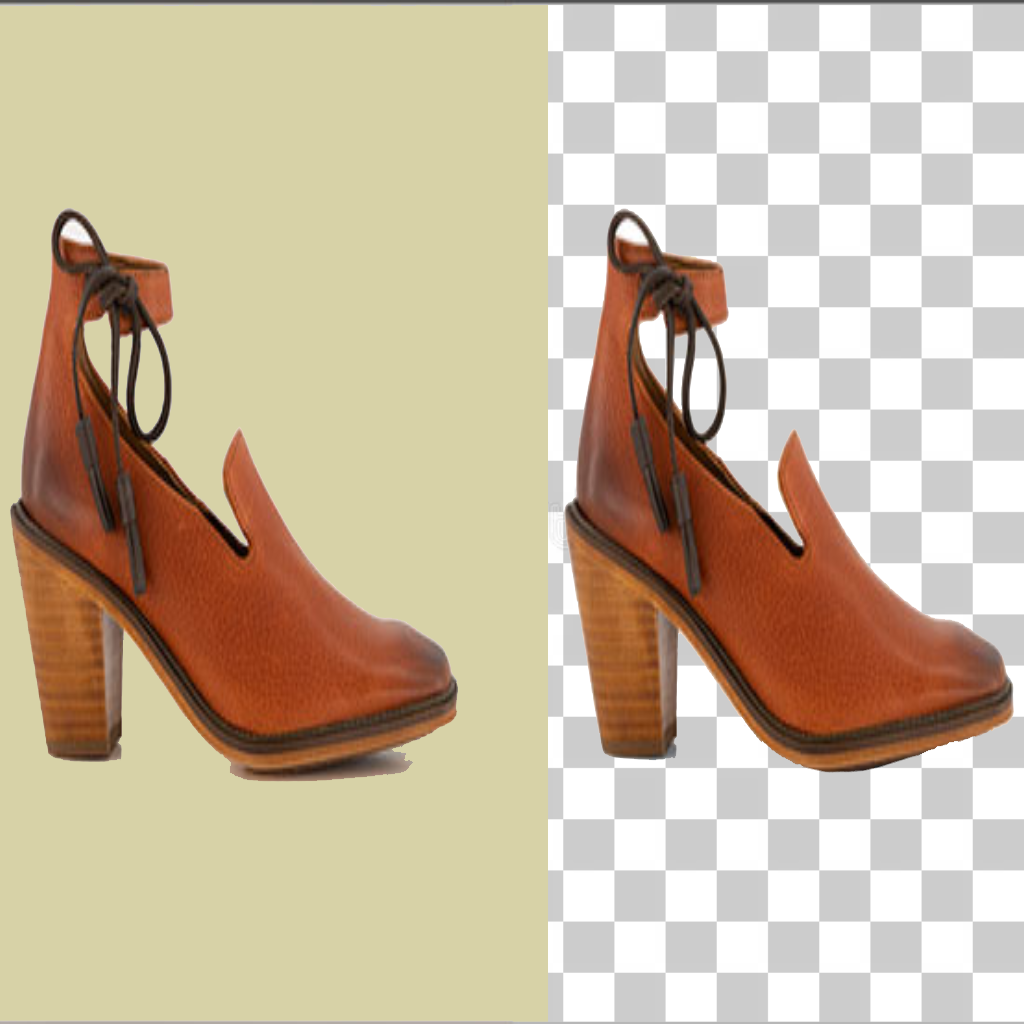
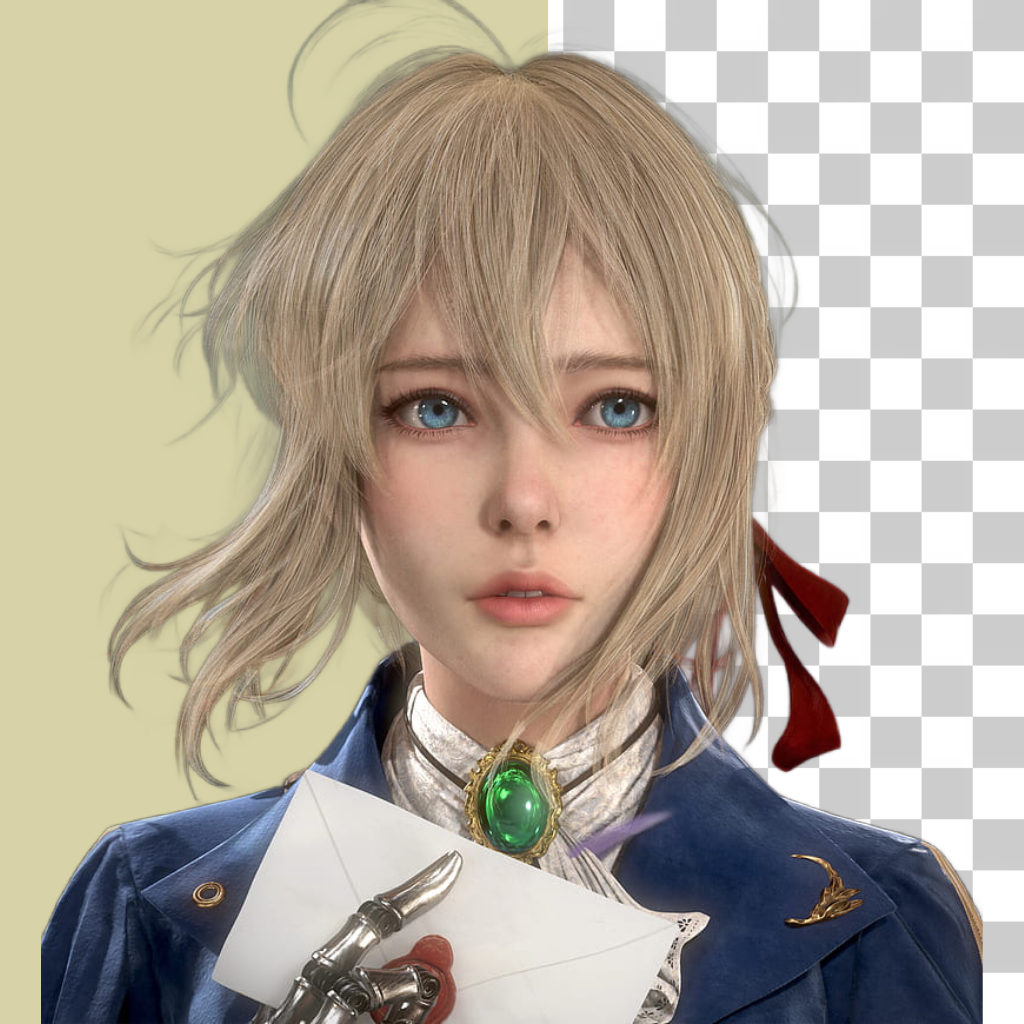
Automate Your Workflow
From complex edges to transparent pixels in seconds.
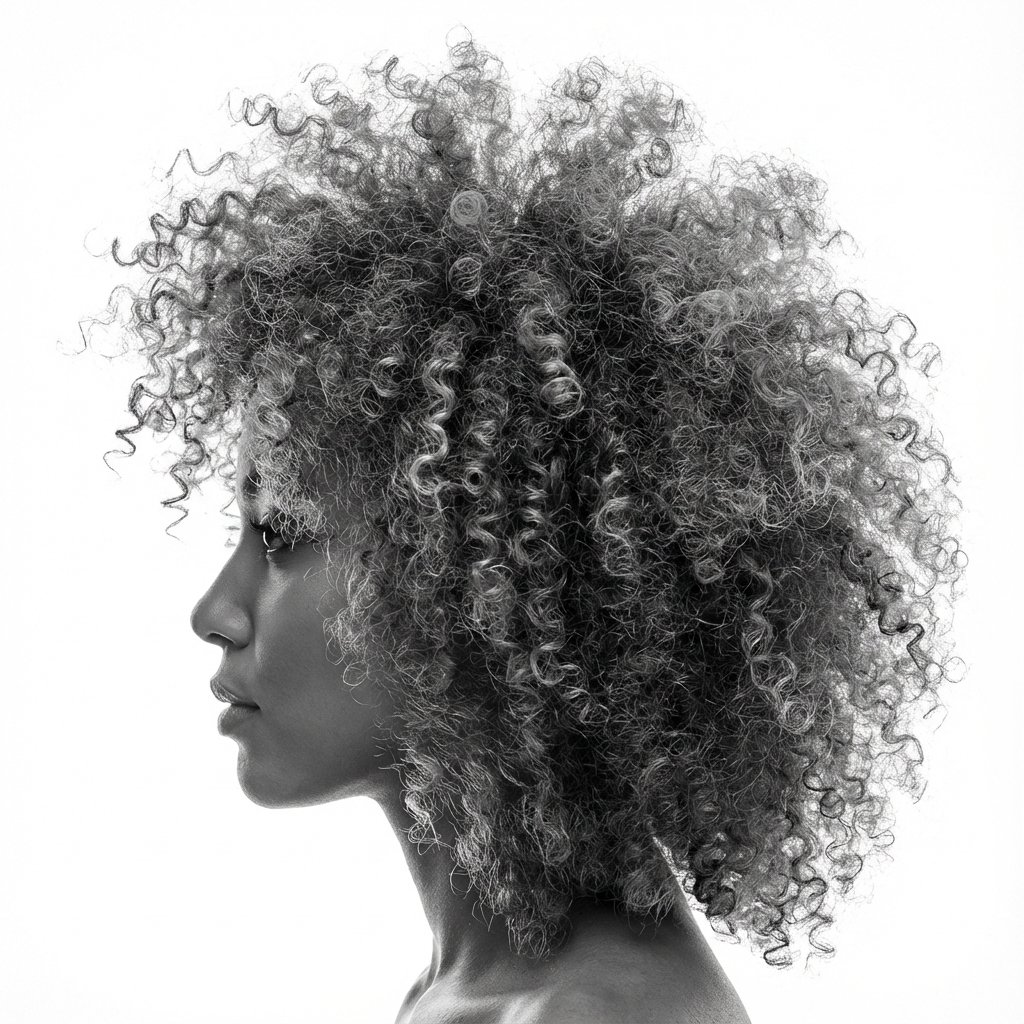
Masters Complex Edges
Most background removers fail at hair, fur, and bicycle spokes. Our model understands geometry and transparency, ensuring you don't lose that single strand of hair.
- Handles semi-transparent objects (glass, veils)
- Zero jagged edges
- No manual masking required
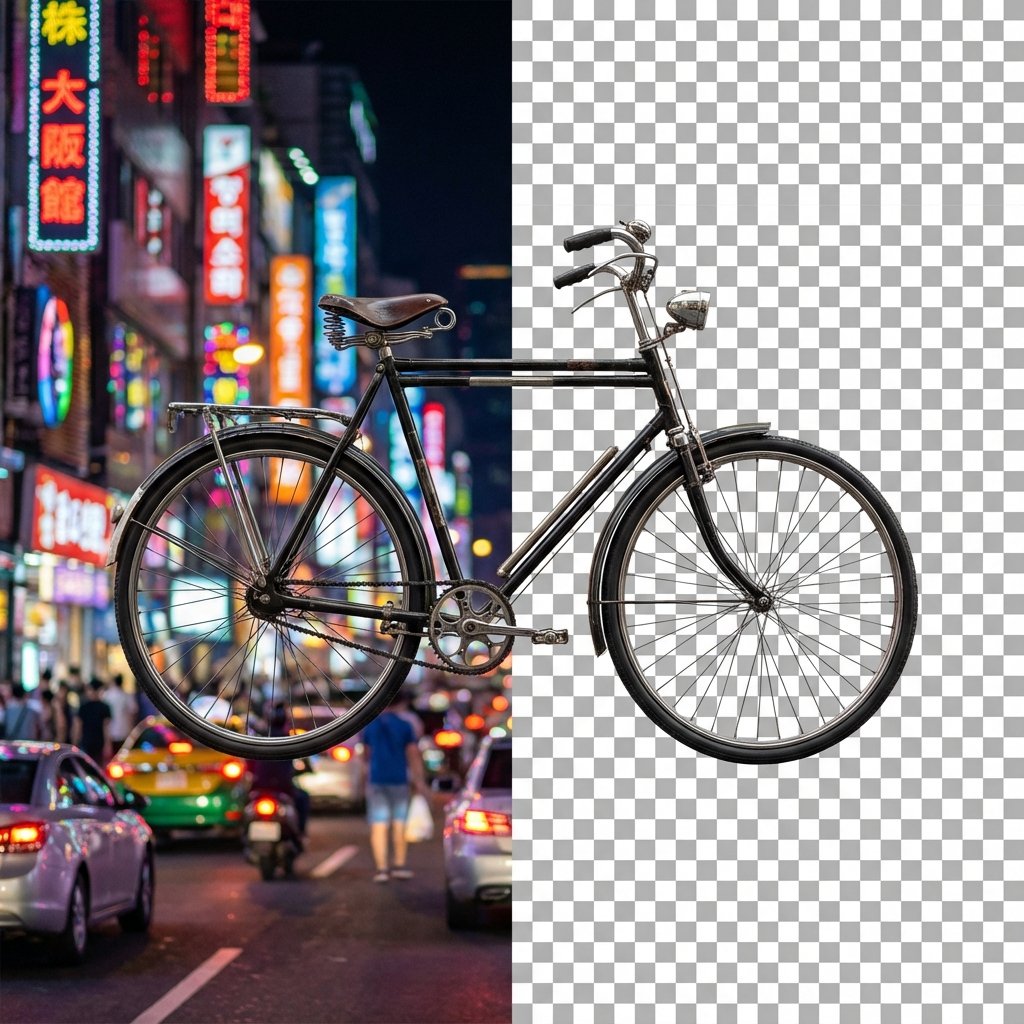
Perfect Headshots
Create consistent "Meet the Team" pages or press kits. Upload any candid photo, remove the background, and drop it onto your brand colors.
The AI separates foreground elements with sub-pixel accuracy, preserving natural lighting on the subject.
Design Instantly
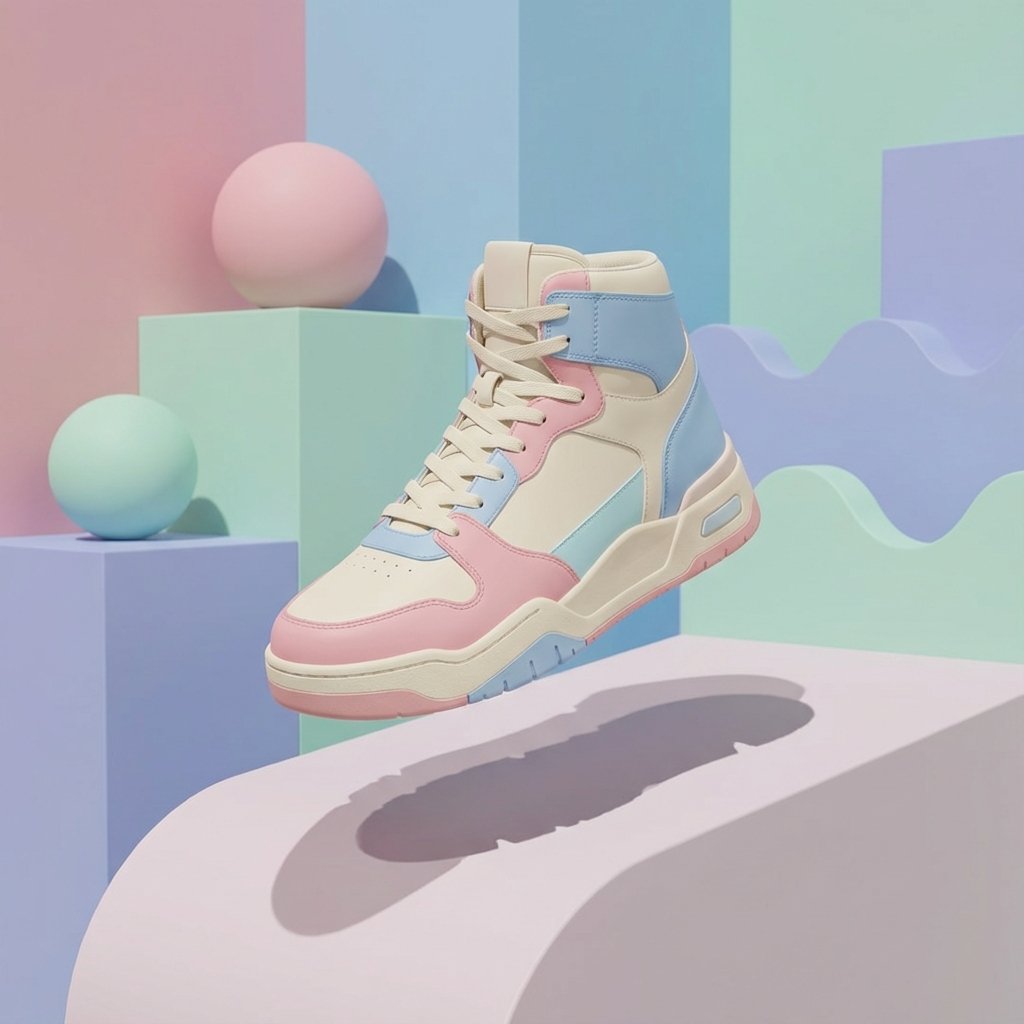
Stop spending hours in Photoshop pen-tooling. Get a transparent PNG and instantly float your products in 3D-style marketing scenes.
- Consistent formatting for marketplaces
- Add drop shadows easily
- Ready for Canva/Figma
Best For
Create clean product cutouts for ecommerce listings.
Make transparent-background images for marketing.
Remove messy backgrounds from portraits and selfies.
Prepare images for thumbnails, ads, and posts.
How Remove BG Works
NPGEN analyzes your image to detect the foreground subject and separate it from the background. It refines edges (like hair, product borders, and small details) to produce a clean cutout you can place on any background.
Upload Image
Select a photo with a clear subject. JPG, PNG and WEBP formats are supported up to 5MB.
Auto-Remove
Wait a few seconds as the AI identifies the foreground and precisely cuts it out from the background.
Download PNG
Get your transparent PNG image instantly. It's ready to be dropped into any design project.
Try other tools
Enhance your workflow further.
 Continue with Google