


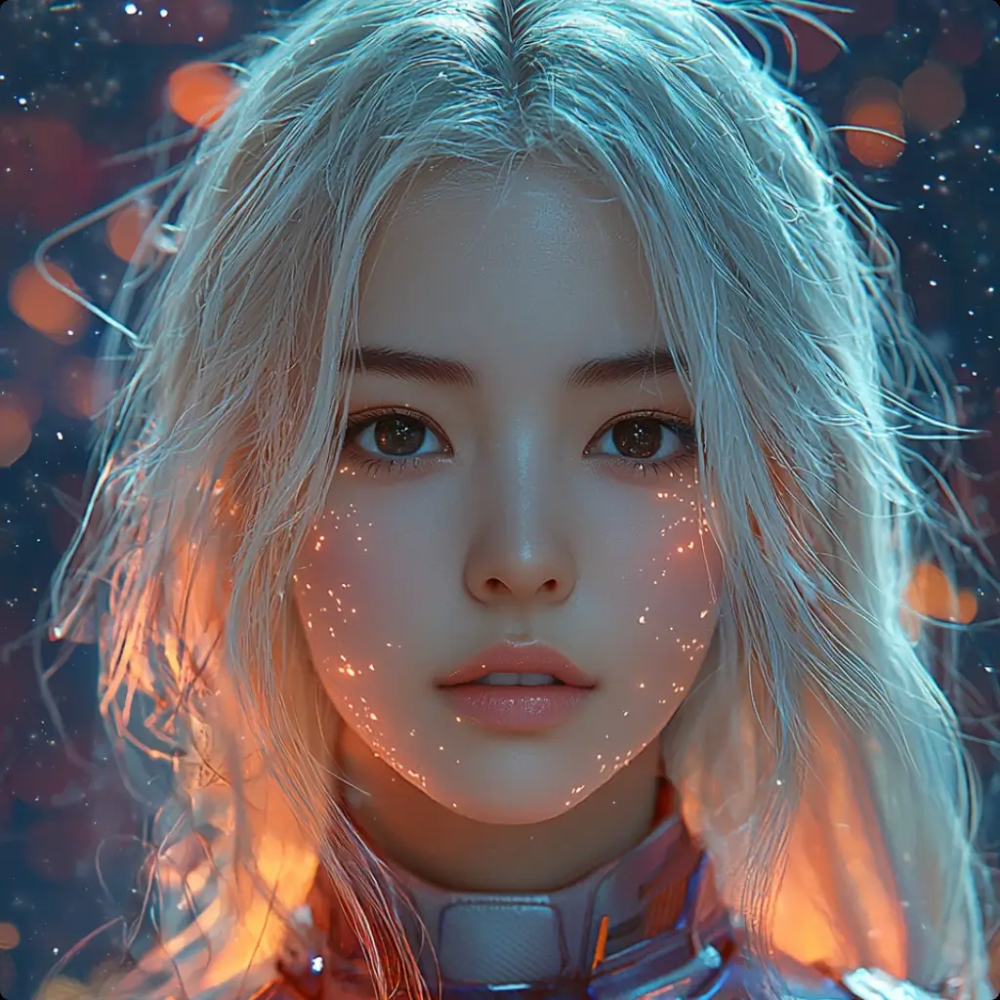
Tip: drag the circle to compare before / after. You can also drop an image directly on the preview box.
AI Image Enhancer (2×/4×) — Upscale & Unblur Photos Free
Upload a low-quality photo and let AI fix faces, reduce blur and upscale 2× or 4×.
Upload or drag & drop to get high-resolution results
Max 1 image per enhance. PNG / JPG / JPEG (up to 2MB recommended).
Sample Enhancements
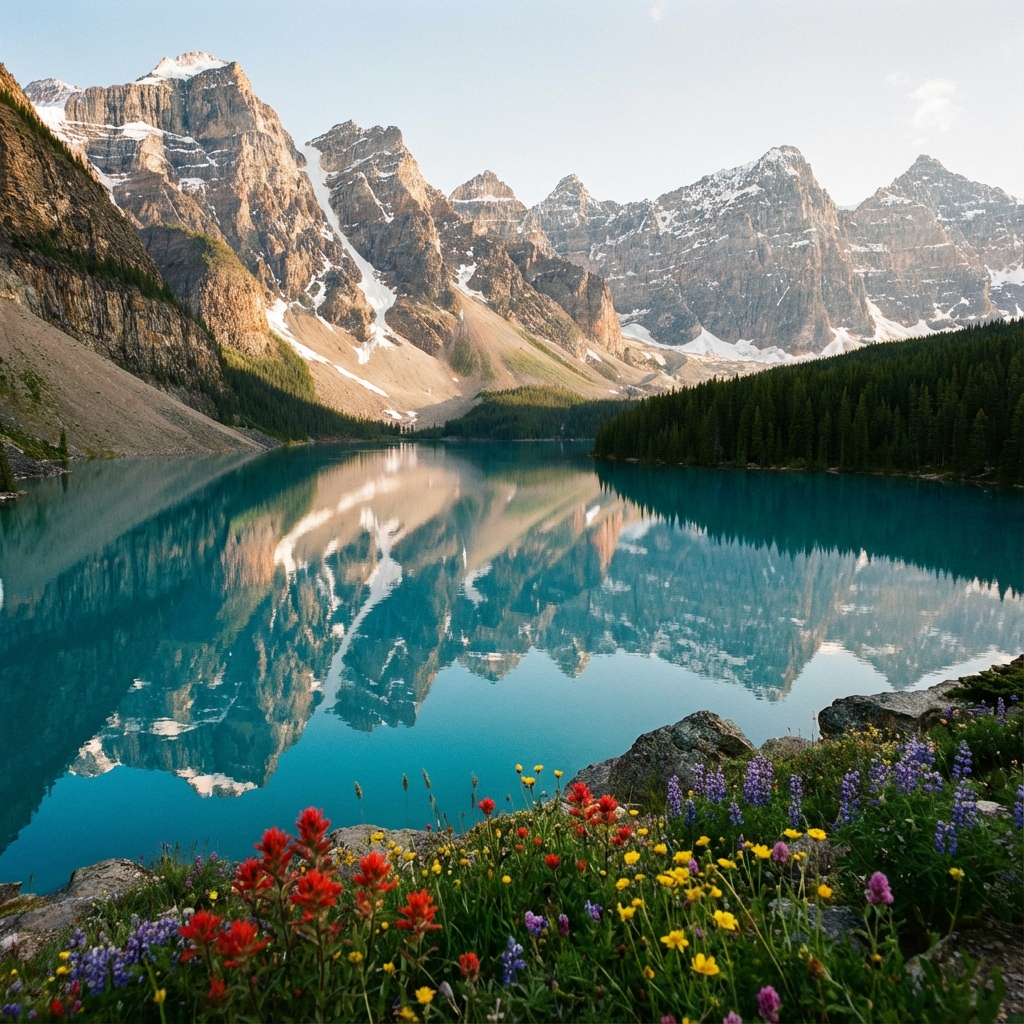
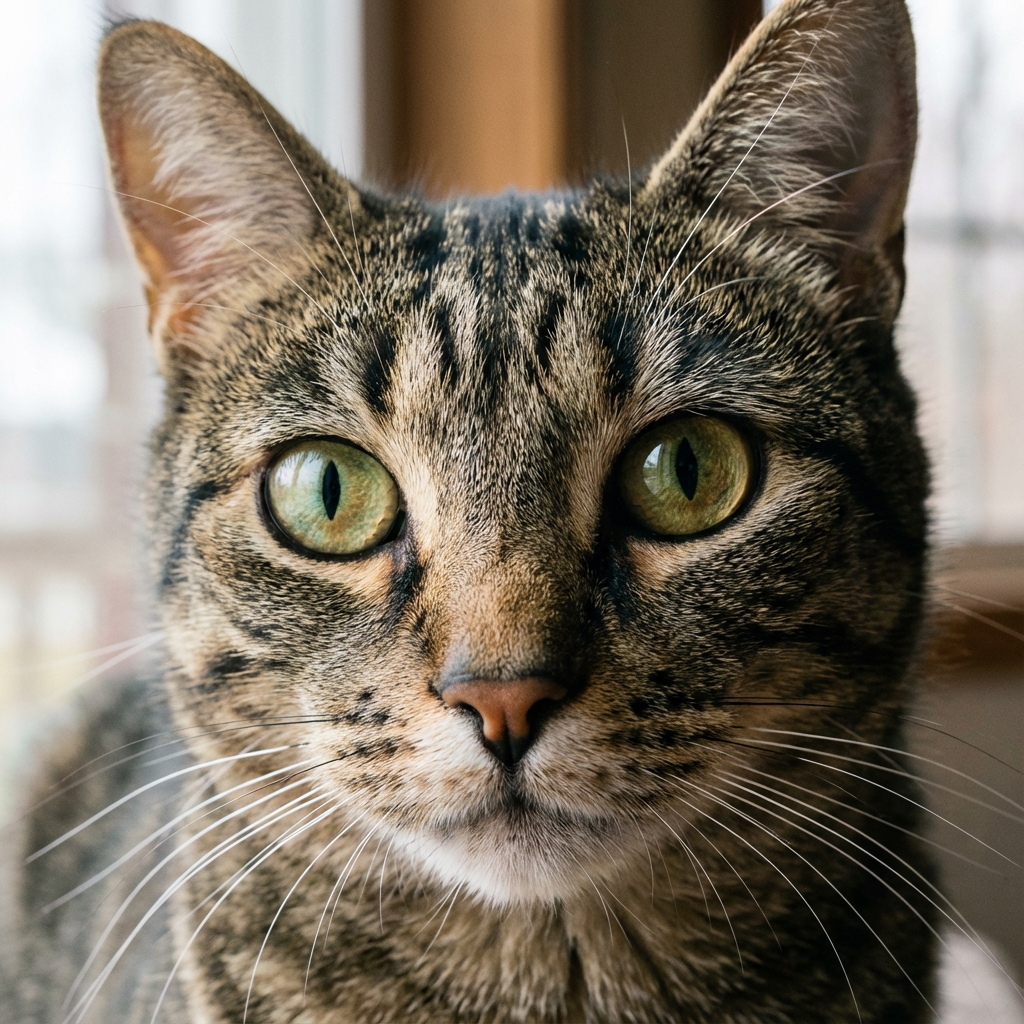
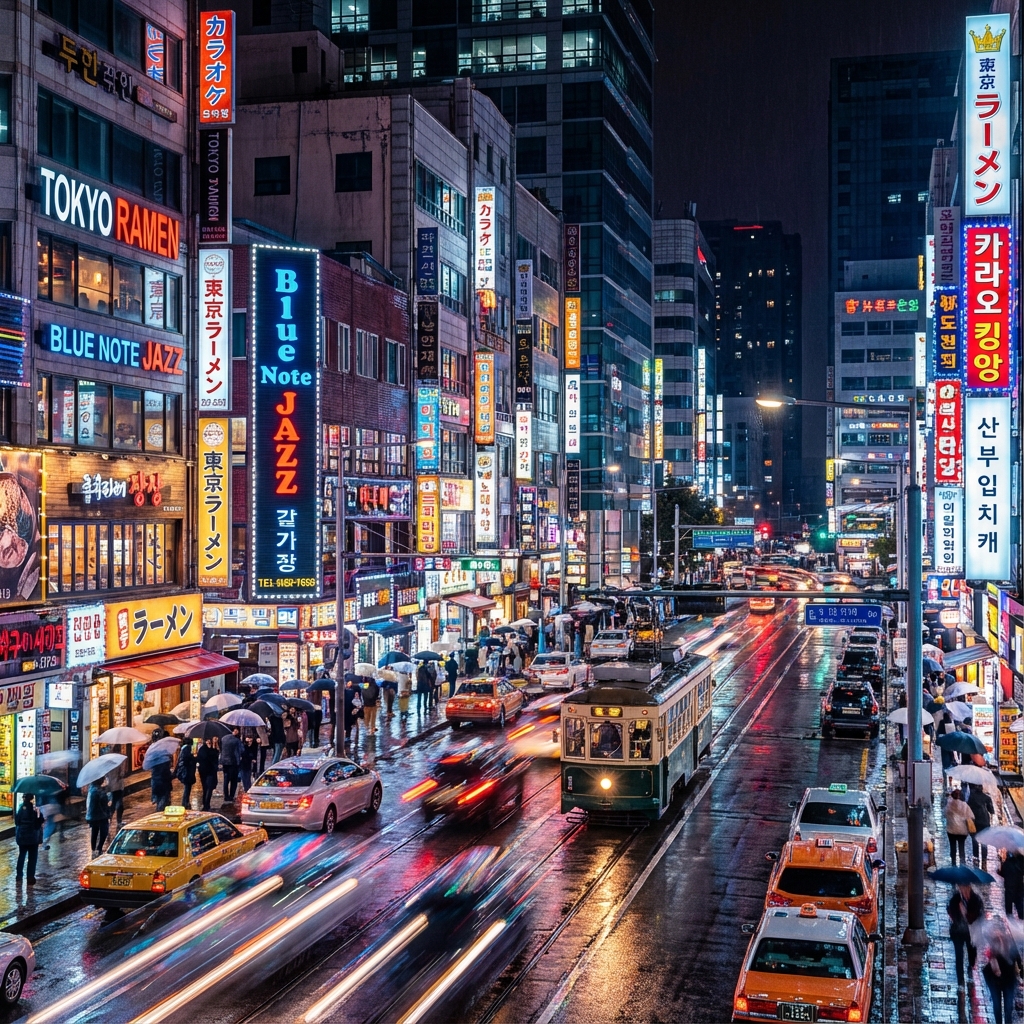
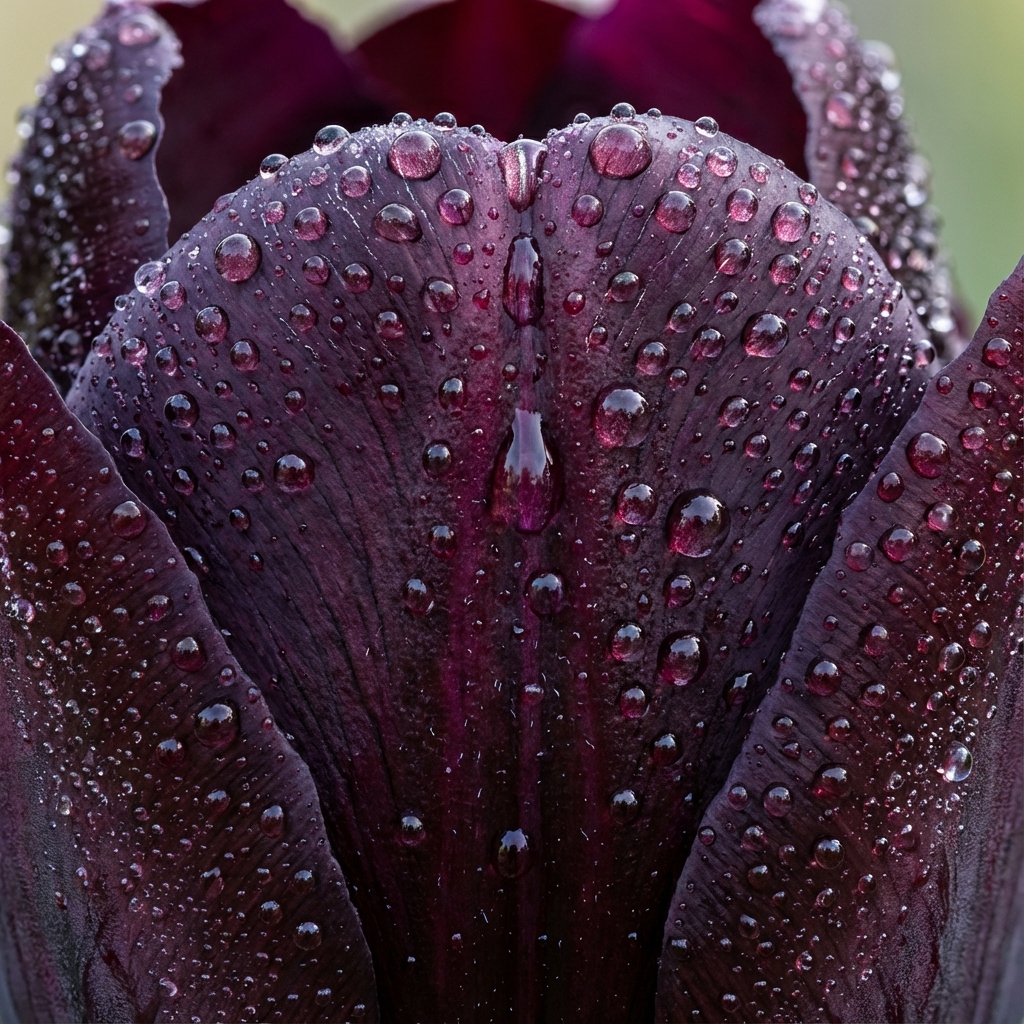
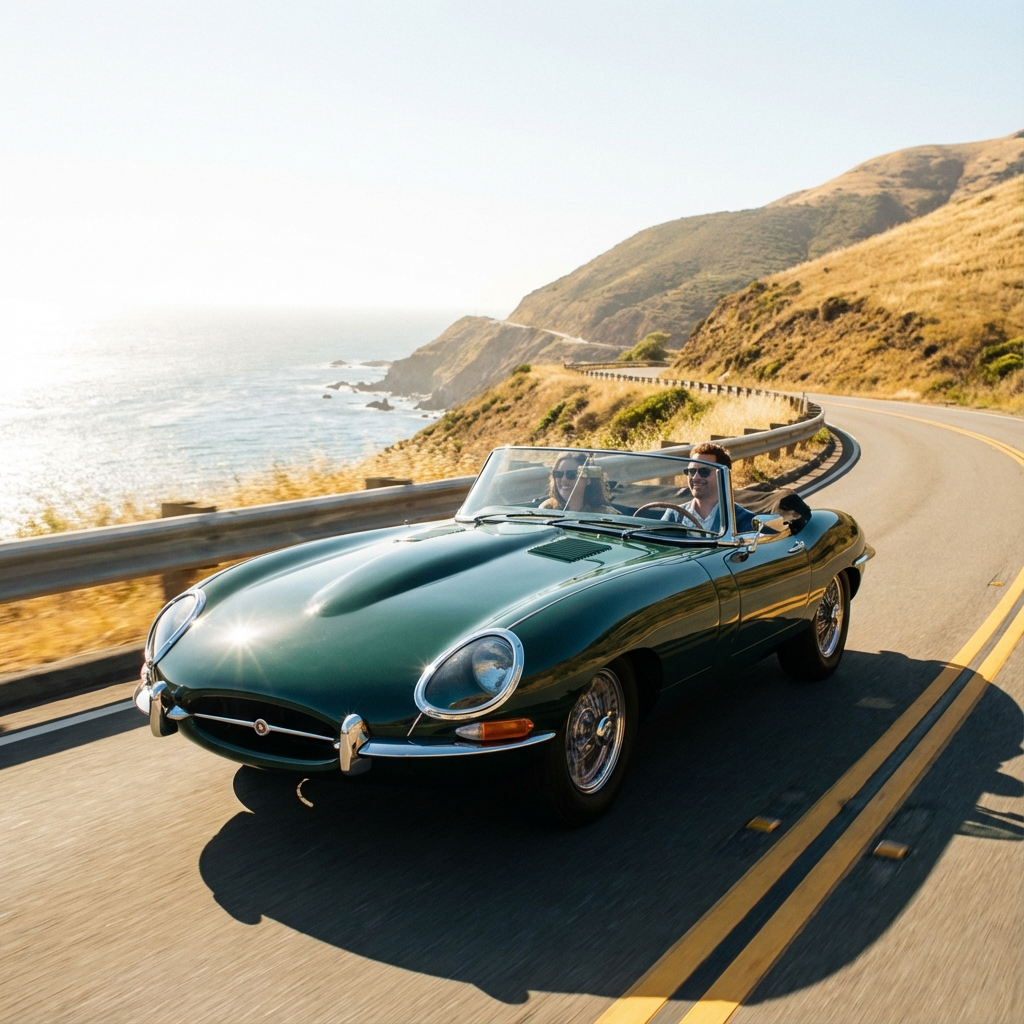
Quick Actions: Enhance blurry photo • Upscale product image • Improve old photo scan
What this tool does
AI Image Enhancer for 2×/4× Upscaling (Free, No Signup)
NPGEN enhances low-resolution photos by reducing blur and noise, sharpening edges, and rebuilding missing detail during 2× or 4× upscaling. Unlike basic resizing, AI enhancement improves clarity so images look cleaner for social media, ecommerce, and print.
Best For
Blurry photos
Fix low-resolution screenshots and out-of-focus shots.
Product images
Get sharper edges and clearer text for listings.
Portraits/Selfies
Recover facial details and reduce noise.
Old Scans
Improve readability and clarity of vintage photos.
How it works
NPGEN analyzes patterns like edges, textures, and compression artifacts, then reconstructs a higher-resolution image during upscaling. Choose 2× for faster results or 4× when you need maximum detail.
Free & Privacy-First
No account needed. Your result appears in your browser for download. If you clear site data, your generated results are removed from your device.
2× vs 4× Guide
- 2× (Faster): Best for quick cleanup and web use.
- 4× (Sharper): Best when you plan to crop, print, or need extra detail.
Try other tools
Complete your editing suite naturally.
Frequently Asked Questions
Is NPGEN Image Enhancer free?
Yes, you can enhance images for free and use the tool without creating an account.
Do I need to sign up?
No. Upload an image, choose 2× or 4×, and download the result.
Is 2× or 4× better?
2× is faster and great for web. 4× is sharper and better for cropping or printing.
Can it unblur a photo?
It can reduce blur and improve clarity on many low-quality photos, especially when the image isn’t extremely damaged.
Will NPGEN add a watermark?
No watermark is added to your enhanced image.
What formats are supported?
JPG, PNG, and JPEG (same as your upload box).
Do you store my images permanently?
Images may be processed temporarily to generate your output and enable download. See the Privacy Policy for details.
How long does enhancement take?
Most images complete quickly, but processing time depends on image size, upscale factor, and current queue.