

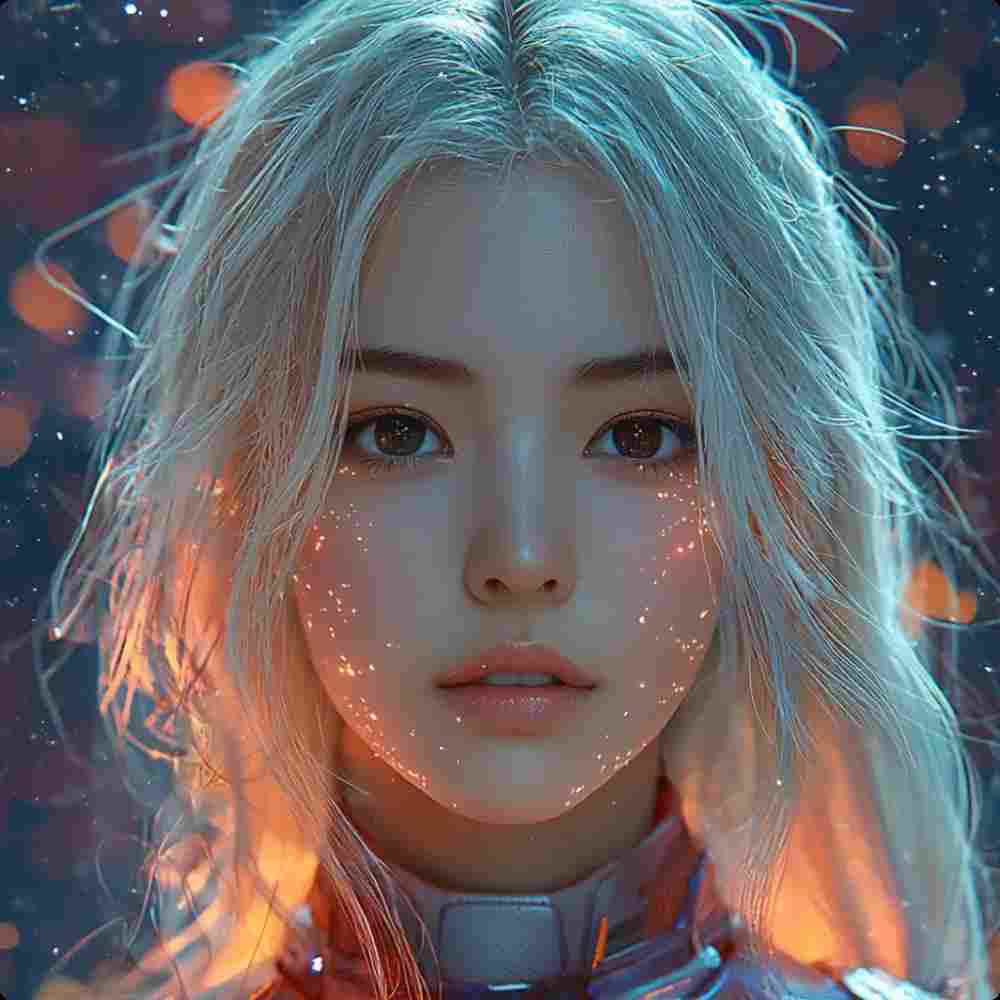
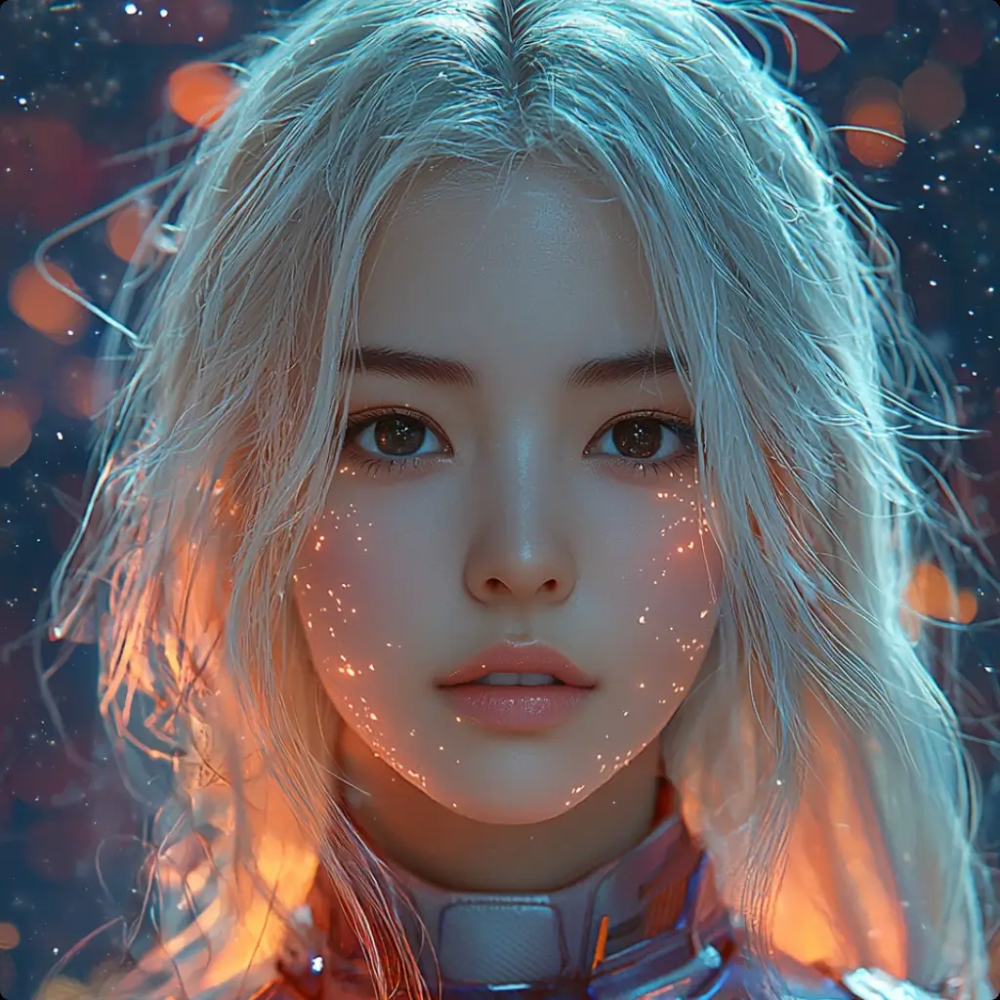
Tip: smooth out old photos and sharpen faces instantly.
Restore old, blurry, or damaged family photos. Our AI reconstructs facial features with high fidelity.
Upload or drag & drop
Works best on photos with faces. PNG / JPG / JPEG.
Restoration Examples
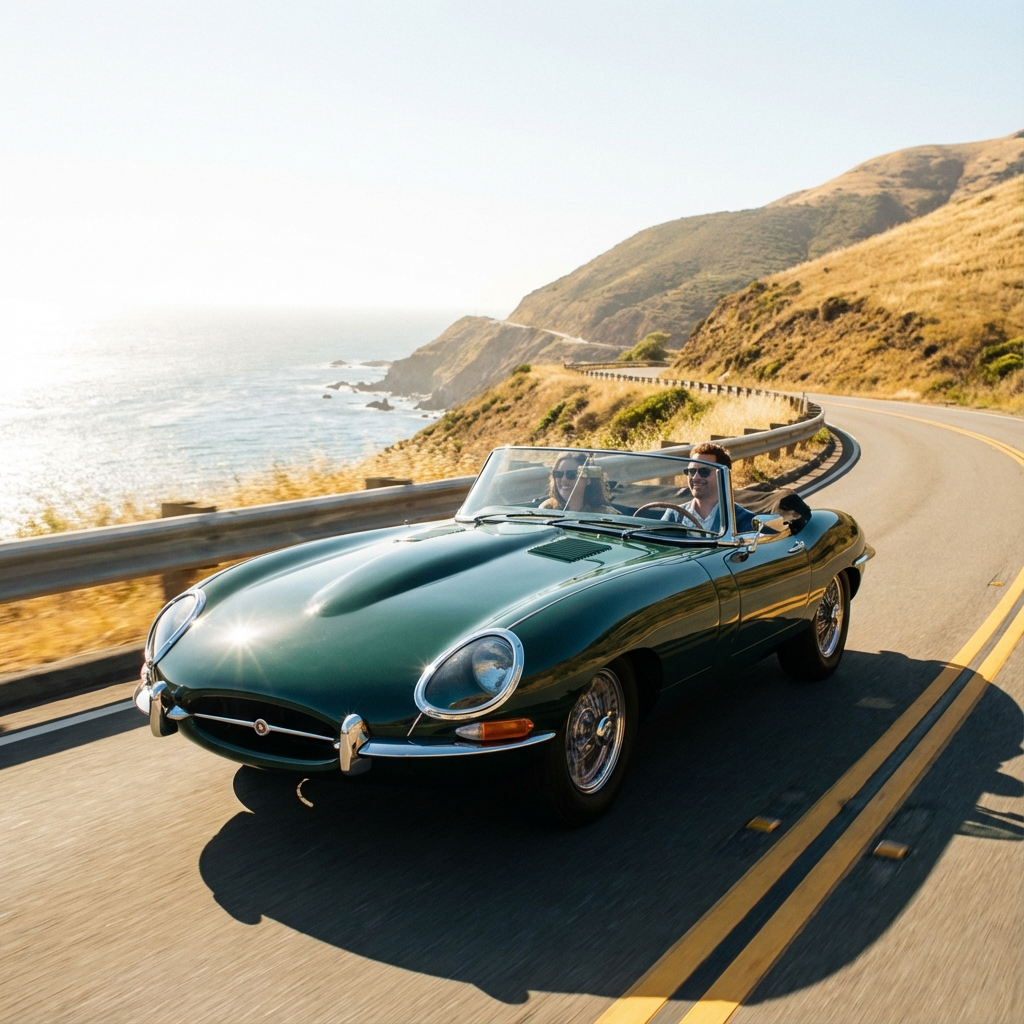
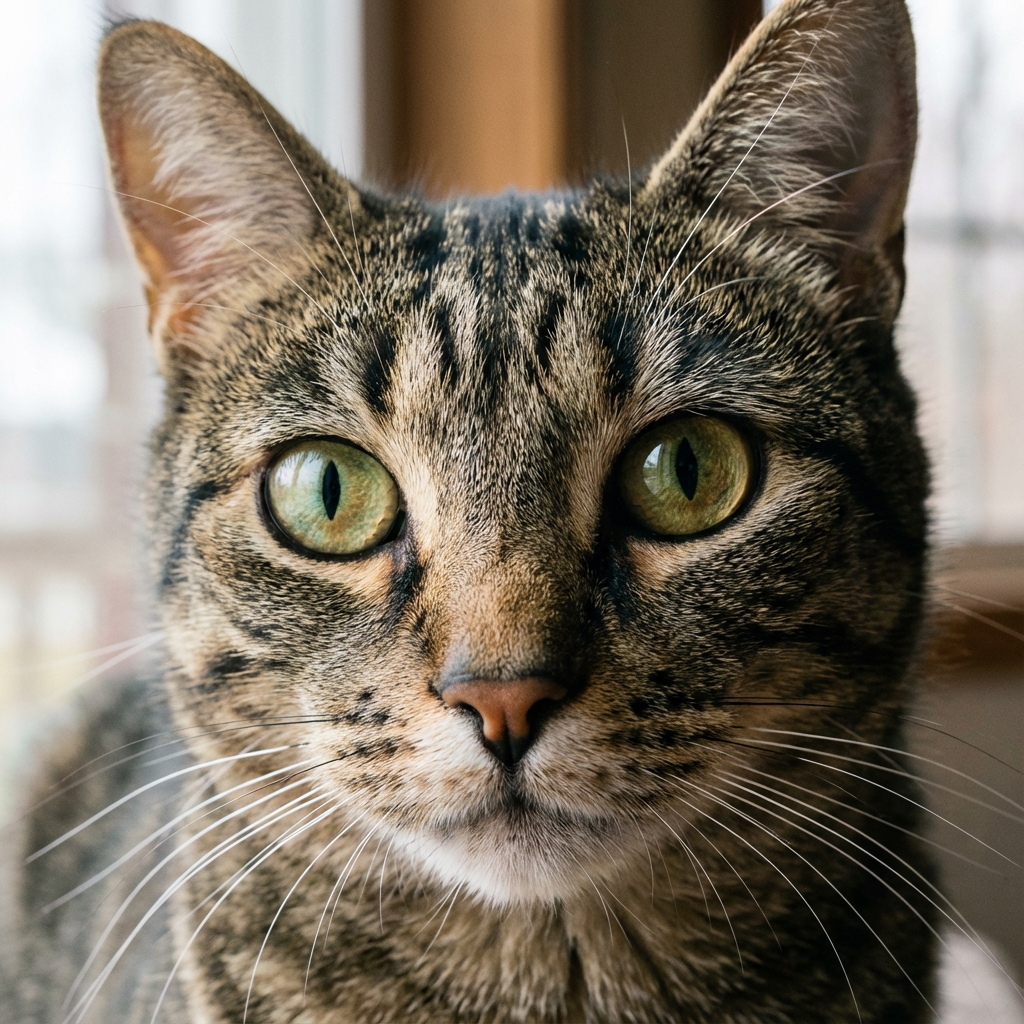
Quick Actions: Fix blurry face in photo • Restore old family photos • AI portrait enhancer
What this tool improves
AI Face & Old Photo Restoration (Free Tool)
NPGEN helps you restore old or low-quality photos using AI—especially portraits where faces look blurry, noisy, or lacking detail. Upload a photo, run restoration, and download a cleaner, more natural-looking result. No account required.
Best Use Cases
Old Family Photos
Bring back facial detail and clear up vintage scan grain.
Profile Pictures
Improve face sharpness for professional social profiles.
Blurry Portraits
Reduce softness and out-of-focus blur without over-processing.
Low-Res Shots
Make faces and details clearer in small screenshots.
How AI restoration works
The tool analyzes the portrait area and attempts to rebuild clearer facial features while keeping the photo natural. Instead of simply sharpening (which can create halos and artifacts), AI restoration enhances edges and textures in a more intelligent way.
Free & Privacy-Minded
NPGEN is free to use and doesn’t require signup. Your result is shown in your browser for easy download. For details about processing and retention, please review our Privacy Policy.
Tips for best results
- Use the highest quality original you have.
- Well-lit faces usually restore better than dark ones.
- Extremely damaged photos may vary in quality.
- Works best on front-facing portraits.
Try other tools
More ways to improve your photos.