

Remove Background from Image Online (Free) — Get a Transparent PNG
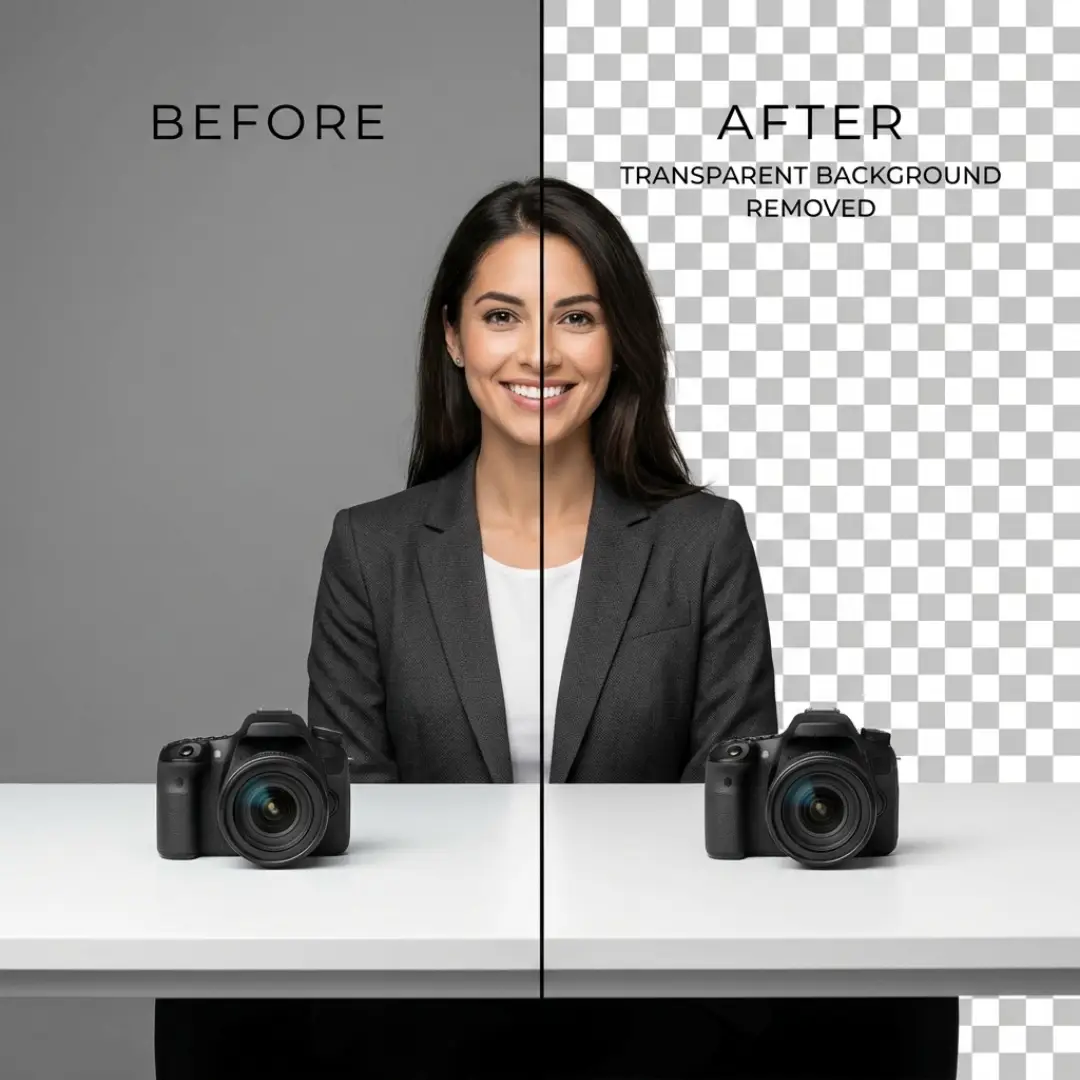
Need a transparent background for a product photo, logo, or profile picture?
With NPGEN Remove BG, you can remove the background from an image online in seconds and download a clean transparent PNG. Transparent PNGs are great for layering designs and keeping edges sharp.
Try it here: Remove BG tool link
Tip: Upload a clear JPG/PNG for the best cutout. Transparent backgrounds are usually exported as PNG.

How to remove a background online (3 simple steps)
- Upload your image (JPG or PNG).
- Let the AI detect the subject and separate it from the background.
- Download your result as a transparent PNG, then use it anywhere—ecommerce, social media, designs, or documents.
Many background removal tools export a PNG because PNG supports transparency, which is perfect for overlays and clean cutouts.


Best results: quick tips for cleaner cutouts
- Use a clear subject: sharper photos create smoother edges.
- Good contrast helps: the subject should stand out from the background.
- Higher resolution is better: more detail = cleaner hair and edges.
- After removing the background, enhance quality: run the image through an enhancer for extra sharpness.
Want the subject to look even better after removing the background?
Try NPGEN Image Enhancer: Image Enhancer tool link
Popular use cases (what people remove backgrounds for)
- Ecommerce: product photos with white or transparent backgrounds
- Social media: profile pictures and thumbnails
- Logos: transparent PNG logos for websites and branding
- Documents: presentations, resumes, and ID-style images

FAQ
Q: What file types can I upload?
A: Most tools accept JPG and PNG. Some may also support WebP or HEIC depending on the uploader.
Q: Will the downloaded image have a transparent background?
A: Yes. Transparent backgrounds are commonly downloaded as PNG.
Q: Can I remove the background on mobile?
A: Yes. NPGEN works in a browser and can be used on mobile devices too.
Ready to remove your background?
Use NPGEN Remove BG: Free Background Remover
See pricing: Check Pricing
Need help? Contact Now
 Continue with Google